Tutorial Videos for B2B SaaS: How to Create Them Without Slowing Down
Your product just shipped a new feature. Someone on the customer success team opens a Zoom call and records a screen share. Forty minutes later, there's a shaky six-minute video with three wrong turns, two background notifications, and a voice that sounds like it was recorded next to a server room.
That video goes into a Notion doc. The doc gets linked once in Slack. Nobody watches it.
This is the default tutorial video workflow at most B2B SaaS companies — not because the team doesn't care, but because nobody has defined what a tutorial video should be, when it should be made, or how to produce one fast enough to still be relevant when the product ships again next sprint. This guide is the fix for that.
In this guide
- What are tutorial videos?
- Why tutorial videos matter more than most SaaS teams realize
- 4 types of tutorial videos every B2B SaaS team needs
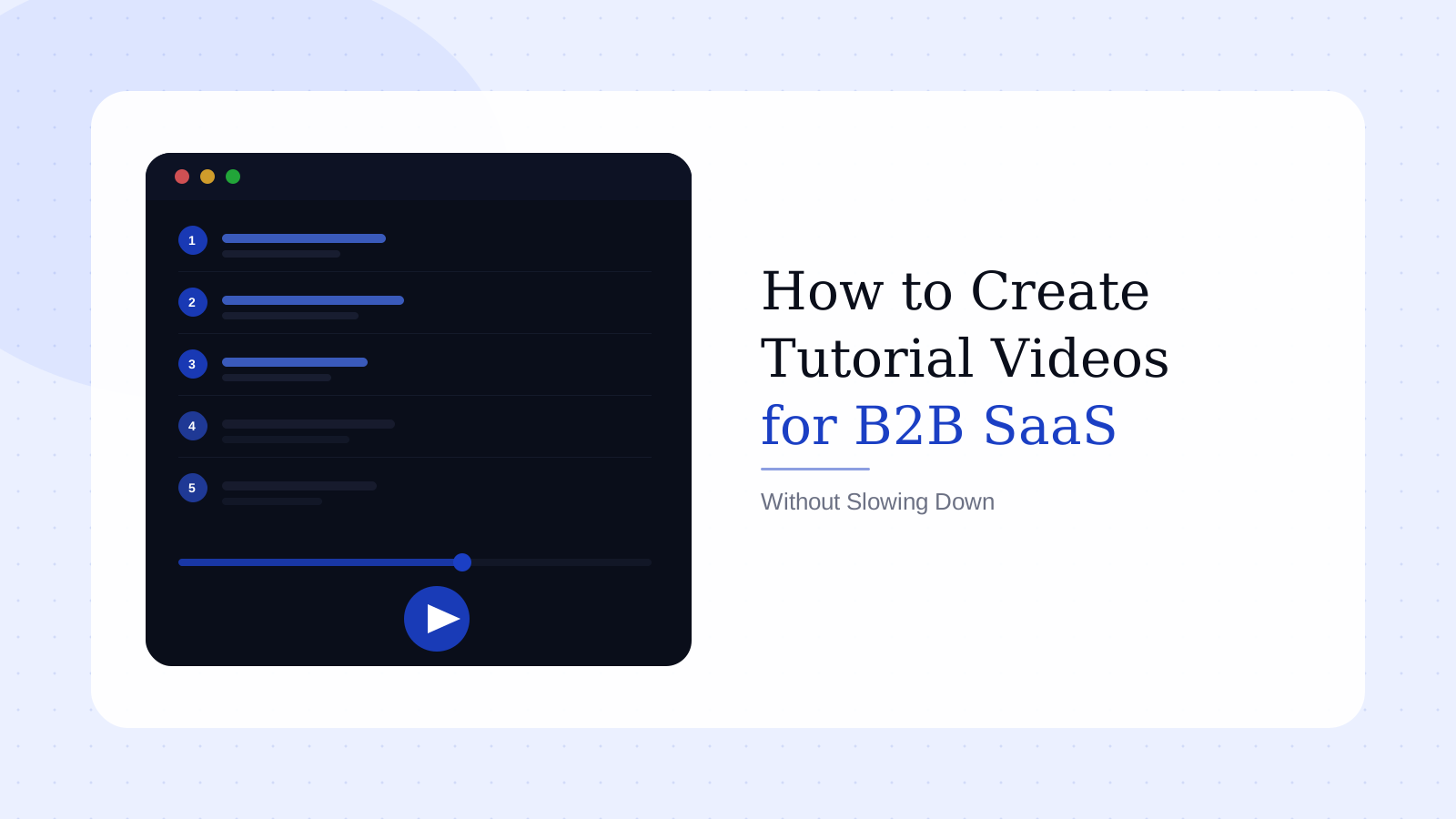
- How to create tutorial videos in 5 steps
- The best video tutorial software for B2B SaaS teams in 2026
- The shelf-life trap: why tutorial videos go stale
- FAQ
What are tutorial videos?
A tutorial video is a short instructional video that teaches a viewer how to complete a specific task or understand a specific workflow. It shows rather than tells — typically using real screen recordings, narration, or a combination of both.
In a B2B SaaS context, tutorial videos cover a narrower job than people usually assume. A tutorial is not a product tour. It is not a demo. It is not a webinar recording with a chat replay at the end. A tutorial video is scoped to one task, one outcome, one user — and it gets that user from not-knowing to knowing in the shortest possible time.
That scoping is precisely what makes tutorial videos useful and what most teams consistently get wrong. The instinct is to make tutorials that cover everything. The result is something that covers nothing clearly, and the support queue keeps growing regardless.
The formats tutorial videos take vary:
- Screen recording with narration — most common for software, highest trust signal for B2B buyers and users
- Annotated screen walkthrough — useful for step-by-step UI navigation with on-screen callouts
- Talking-head with screen — works when the persona of the presenter matters (executive comms, CS check-ins)
- Animated walkthrough — faster to produce but lower credibility when real product UI exists
For most B2B SaaS teams, the screen recording with narration format is the right default. It takes the least time to update, produces the most trust, and scales across all four tutorial use cases covered below.
Why tutorial videos matter more than most SaaS teams realize
97% of marketers say video has helped increase user understanding of their product or service (Wyzowl, 2025). That statistic gets cited constantly — but it's not the useful one for a team trying to justify investment in tutorial content.
The more actionable number: 57% of marketers say video has directly decreased their support ticket volume (Wyzowl, 2025). A tutorial video isn't just a nice-to-have — it's a support deflection mechanism with measurable cost savings. Every user who figures something out from a two-minute video is a ticket that never gets written.
The churn data makes the stakes even clearer. Research consistently shows that 90% of users churn when they don't understand a product's core value within the first week (UserGuiding, 2026). The gap between signup and that first genuine moment of value is where most SaaS revenue evaporates. Tutorial videos are one of the highest-leverage tools for closing that gap, and they're far cheaper than adding CSM headcount to cover the same ground.
Here's the take most guides skip: teams consistently over-invest in awareness and top-of-funnel B2B video marketing and under-invest in tutorial content that serves users who have already paid. A slick homepage video doesn't help the user who just hit an unfamiliar modal at 9am on their second day. A two-minute tutorial video does. The ROI profile is completely different — and for most SaaS businesses, the post-purchase content is the gap that matters more.
4 types of tutorial videos every B2B SaaS team needs
Not all tutorial videos serve the same function. These four types map directly to the stages where users either succeed and expand, or fall off and cancel.
1. Onboarding tutorial videos
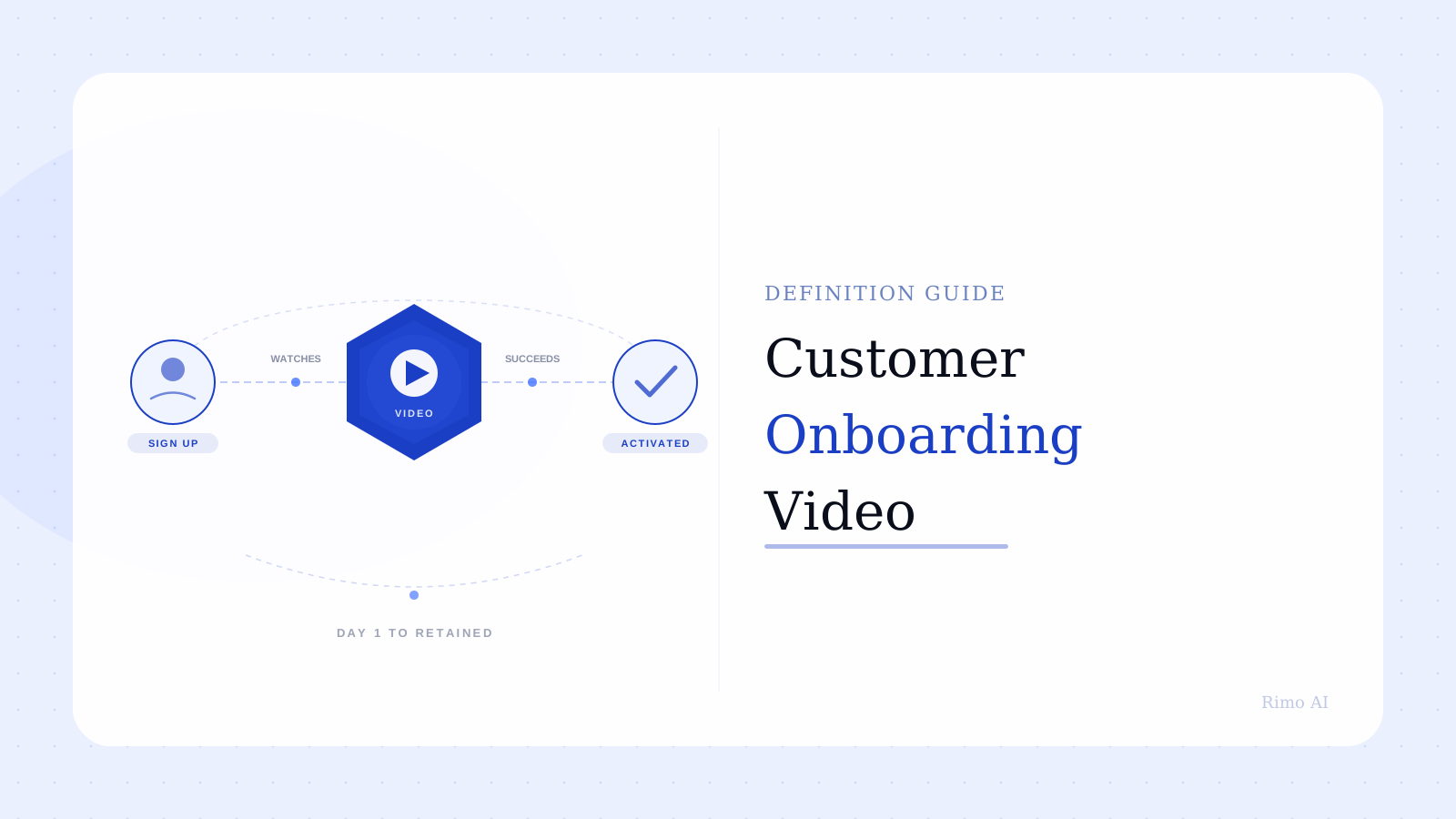
These are the first videos a new user encounters. Their job is to get someone from "I just signed up" to "I understand what this product can do for me" as efficiently as possible.
Research from SaaS industry benchmarks (2026) shows that every extra minute added to a SaaS onboarding flow can lower trial-to-paid conversion by approximately 3%. Onboarding tutorials should be short, scoped, and sequential — one concept per video, not a full product tour packed into a single 12-minute recording.
The mistake most teams make here: they start with the product, not the user's first job-to-be-done. The user doesn't want a tour. They want to accomplish one thing and feel confident they can. Build the first tutorial around that single moment.
2. Feature adoption tutorial videos
These live in-app or in the knowledge base and address a specific feature at the moment a user encounters it for the first time — or fails to discover it at all. They are triggered by behavior, not a linear journey.
Teams that treat feature adoption tutorials as optional are leaving product-led growth on the table. Product demo video ROI compounds after the sale, not just before. A user who discovers a powerful feature they'd overlooked — because a short tutorial surfaced it at the right moment — is a renewal and an expansion candidate.
3. Sales enablement tutorial videos
These are built by sales and sales engineering teams to show a specific prospect how a workflow applies to their context. They are typically 2–3 minutes, focused on one use case or objection, and often created in volume across multiple deal cycles.
This is a distinct use case from demos. A product demo video answers "does this product do what you claim?" A sales tutorial answers "here is exactly how it works for a team in your industry with your workflow." The specificity is what makes it effective — and it requires a production system that can turn around a new version fast.
4. Customer success and renewal tutorial videos
These are the most neglected category. They exist to expand usage post-sale, unlock features the customer hasn't yet discovered, and surface renewal value before the contract window opens.
CSMs with a library of short, task-specific tutorial videos spend less time on reactive screen-share calls and more time on strategic conversations. The business impact shows up in support deflection, feature adoption breadth, and expansion revenue — all of which improve renewal rates and NRR.
See how Rimo builds tutorial videos from a brief
Rimo turns a plain-English description into a production-ready tutorial video — real product screens, no editor, no recording session required.
How to create tutorial videos in 5 steps
The generic advice — plan, record, edit, publish — is technically accurate and operationally useless. Here's what actually matters at each step for a B2B SaaS team operating on a weekly shipping cadence.
Step 1: Choose one trigger moment, not a topic
A tutorial video topic sounds like: "Using the reporting dashboard." A trigger moment sounds like: "A new user opens the reporting dashboard for the first time and has no data populated yet."
The trigger moment forces you to define the user's mental state at the point of watching. Once you have that, every downstream decision — what to show first, how long to run, where to end — becomes dramatically easier to make. Without it, you're guessing throughout.
One trigger moment. One tutorial. This constraint is a feature, not a limitation.
Step 2: Script before you record
Write the narration first. Map each sentence to a specific screen or action in the product. Only then open your recording tool.
Teams that skip this step record everything and try to build the story in post-production. That generates twice the footage you need and three times the editing time. A 90-second tutorial script is 150–200 words. Writing it takes 10 minutes and saves 2 hours of editing. The math is not subtle.
Script structure for a tutorial video: context (what problem the user has right now), walkthrough (the exact steps they'll take), result (what they'll see when they're done), close (one action to reinforce or next step).
Step 3: Build a clean recording environment
A controlled recording environment means: clean demo data, no real customer names, consistent browser zoom, no onboarding modals, no background notifications, and a product state that matches exactly what the script describes.
Real product screens build trust. But only clean, consistent screens do. G2 reviews of Loom repeatedly surface the same complaint from product and CS teams: recordings that look fine in isolation fall apart in context because the product state wasn't prepared before hitting record. The preparation step — not the recording step — is where most tutorial quality is decided.
One more thing that doesn't get mentioned enough: cursor movement. Erratic mouse movement is one of the most reliable signals that a tutorial video was made in a hurry. Slow, deliberate cursor movement reads as confident and professional. This is free to fix and takes no extra production time.
Step 4: Edit for comprehension, not coverage
The instinct in post-production is to show everything and leave nothing out. This is the wrong instinct for tutorial videos specifically.
Every frame should be moving the viewer from one point of understanding to the next. If a scene doesn't do that, remove it. The best tutorial videos feel like they end slightly before they need to — not because something was cut, but because they were focused enough that there was nothing left to say.
For teams building tutorial content at scale, a script to video maker that converts pre-written narration into a finished cut significantly compresses the edit loop. The script-first discipline from Step 2 pays off here: when the story is locked before recording, post-production becomes assembly, not reconstruction.
Step 5: Put the video where the user already is
A tutorial video buried four levels deep in a knowledge base is not a tutorial video. It's a trophy. The video needs to be in-app, at the precise moment of friction, or it won't get watched.
Think about where the user is in the product right before they'd open a support ticket. That's where the tutorial goes — not in a separate "Learning" section, not linked from an email digest. In the product, at the moment of need.
This placement decision has a bigger impact on tutorial watch rate than anything in the production process. Placement is distribution, and distribution is everything.
The best video tutorial software for B2B SaaS teams in 2026
The market has three established tools and a newer category of AI-native platforms built around the specific problems the legacy tools haven't solved.
Camtasia is the category default for structured training content. It handles multi-track editing, annotations, and quiz embeds well. G2 reviewers consistently praise the editing depth and interface familiarity. The consistent complaints from reviews: performance degrades significantly on larger or longer projects — CPU spikes, unexpected crashes during save, and slow render times on complex timelines are among the most repeated issues. Pricing is also a friction point for smaller teams, with Camtasia sitting at the high end of the standalone tools category.
Loom is built for speed, not polished production. It's the right call when the goal is async communication: record something, share a link, move on. The problem for systematic tutorial production is that Loom's editing stops at basic trim. Adding annotations, chapter markers, or branded lower thirds post-recording requires a third-party editor. Loom's Trustpilot rating dropped to 1.4 out of 5 in 2025, with 147 separate G2 reviews citing recording reliability issues — a meaningful signal about the tool's readiness for production-grade workflows.
Scribe automatically converts screen workflows into documented step-by-step guides. It's genuinely fast for text-based documentation. For video-first tutorial content, the customization limits surface quickly: G2 reviewers note the inability to apply company templates, control font and layout formatting, or produce fully branded video output. It's a strong tool for a specific format that isn't primarily video.
For a deeper comparison of what each handles well, the best screen recording tools for B2B SaaS guide goes further on specific use case fit. For a full breakdown of all 10 tools worth shortlisting — including Tango, Synthesia, and Arcade — see the complete tutorial software comparison.
Rimo sits in a different category entirely. Rather than recording first and producing second, it generates a tutorial video from a plain-English brief. That inverts the production model: no recording session, no editing loop, and — critically — no shelf-life problem when the UI changes in the next sprint. For teams managing frequent product updates, the brief-to-video approach is the structural answer to the stale tutorial problem covered next.
The shelf-life trap: why tutorial videos go stale
Here's what the top-ranking posts on this topic don't mention: the majority of B2B SaaS tutorial videos are out of date within one product cycle of being made.
A tutorial showing "how to create a report" recorded in Q1 may show a workflow that no longer exists by Q2. The navigation changed. The modal was renamed. The save button moved to a different location. The tutorial is now actively misleading users, sitting in your knowledge base, quietly undermining trust in your product.
This isn't solved by making fewer tutorial videos. It isn't solved by investing in higher production quality. It's solved by building tutorial videos in a way that can be updated at the same speed your product ships.
That means one thing structurally: one task per video, not one feature-section per video. A two-minute tutorial covering one specific workflow can be updated in an afternoon when that workflow changes. A ten-minute walkthrough covering an entire product area cannot. The scoping decision made before recording determines whether your tutorial library is a living asset or a slow-accumulating liability.
Teams that build sustainable tutorial programs treat video production the same way they treat sprint work — not as a quarterly creative project. They have a brief format, a record-ready checklist, and a production workflow that can respond to a product change within 24–48 hours. That's the same operating model that makes creating product demo videos sustainable at scale.
The shelf-life problem is structural. The solution is structural. Short, task-scoped, modular tutorial videos — made by a team with a repeatable process — are the only version of tutorial content that stays current.
The bottom line on tutorial videos
Tutorial videos are not a documentation problem. They're a retention and activation tool — and when they're built on a process that keeps pace with the product, they compound over time in measurable ways.
The biggest mistake B2B SaaS teams make with tutorial content is treating each video as a one-off creative project. The second biggest mistake is treating tutorial creation as entirely optional while investing in top-of-funnel content that serves users who haven't bought yet.
Start with one trigger moment. Write the script first. Build the video. Measure support deflection and feature adoption rates — not just view counts. Then build the next one the same way.
If you want a production workflow that keeps tutorial video creation in sync with a fast-shipping product without a recording-and-editing cycle, Rimo is built for exactly that.
Start building tutorial videos with Rimo
From a plain-English brief to a production-ready tutorial video. Real product screens, no recording session, no editor required.
FAQ
What are tutorial videos?
Tutorial videos are short instructional videos that teach viewers how to complete a specific task using a product or tool. In B2B SaaS, they are typically screen recordings with narration, scoped to a single workflow per video. They differ from product demos — which focus on sales and persuasion — and from explainer videos, which address high-level concepts rather than specific user tasks with real product UI.
How long should a tutorial video be?
For onboarding and feature-specific tutorials, 90 seconds to 3 minutes is the right range. Shorter than 90 seconds often means the task doesn't require a standalone video. Longer than 3 minutes usually signals the video is covering more than one task — a cue to split it. The goal is one clear trigger moment, one workflow, one outcome. Viewer attention in software tutorial content drops sharply after the 2-minute mark for task-specific content.
What is the best video tutorial software for B2B SaaS teams?
It depends on the use case. Camtasia provides deep editing control for structured training content but has documented performance issues at scale and high pricing. Loom enables fast async recording but is limited for polished production workflows. Scribe auto-generates step-by-step text guides but lacks full video customization. AI-native platforms like Rimo generate tutorial videos directly from a brief — built for teams that need to keep pace with fast-shipping products without a full recording-and-editing cycle.
How do tutorial videos reduce support tickets?
Tutorial videos let users self-serve answers at the exact moment they encounter a problem, before they open a ticket. According to Wyzowl's 2025 report, 57% of marketers say video has directly decreased their organization's support query volume. The key variable is placement: tutorial videos surfaced in-app, at the point of friction, significantly outperform the same content linked from a knowledge base or documentation page.
How often should B2B SaaS tutorial videos be updated?
Any time the workflow shown in the video changes visibly — new navigation, renamed features, redesigned UI — the tutorial needs updating. For fast-shipping teams, this can mean monthly or quarterly refreshes on core onboarding content. Keeping videos task-scoped (one workflow per video) is what makes this manageable: a two-minute tutorial covering one task can be updated in an afternoon. A ten-minute walkthrough covering an entire feature section cannot be updated incrementally — it has to be rebuilt.
What is the difference between a tutorial video and a product demo video?
A product demo video is built to persuade a buyer evaluating whether to purchase. It shows the product at its best, built around a specific buyer persona and a purchase decision. A tutorial video is built to help an existing user succeed. It shows exactly how to complete a task the user already needs to do. Both use real product screens. The audience, the intent, and the production approach are completely different. Most B2B SaaS teams need both — and they should be built by separate workflows.
Akshay Sharma
Product Leader · 10+ years in B2B SaaS
Akshay has spent 10+ years building and marketing B2B SaaS products. He writes about product storytelling, demo production, and the operational side of product marketing.