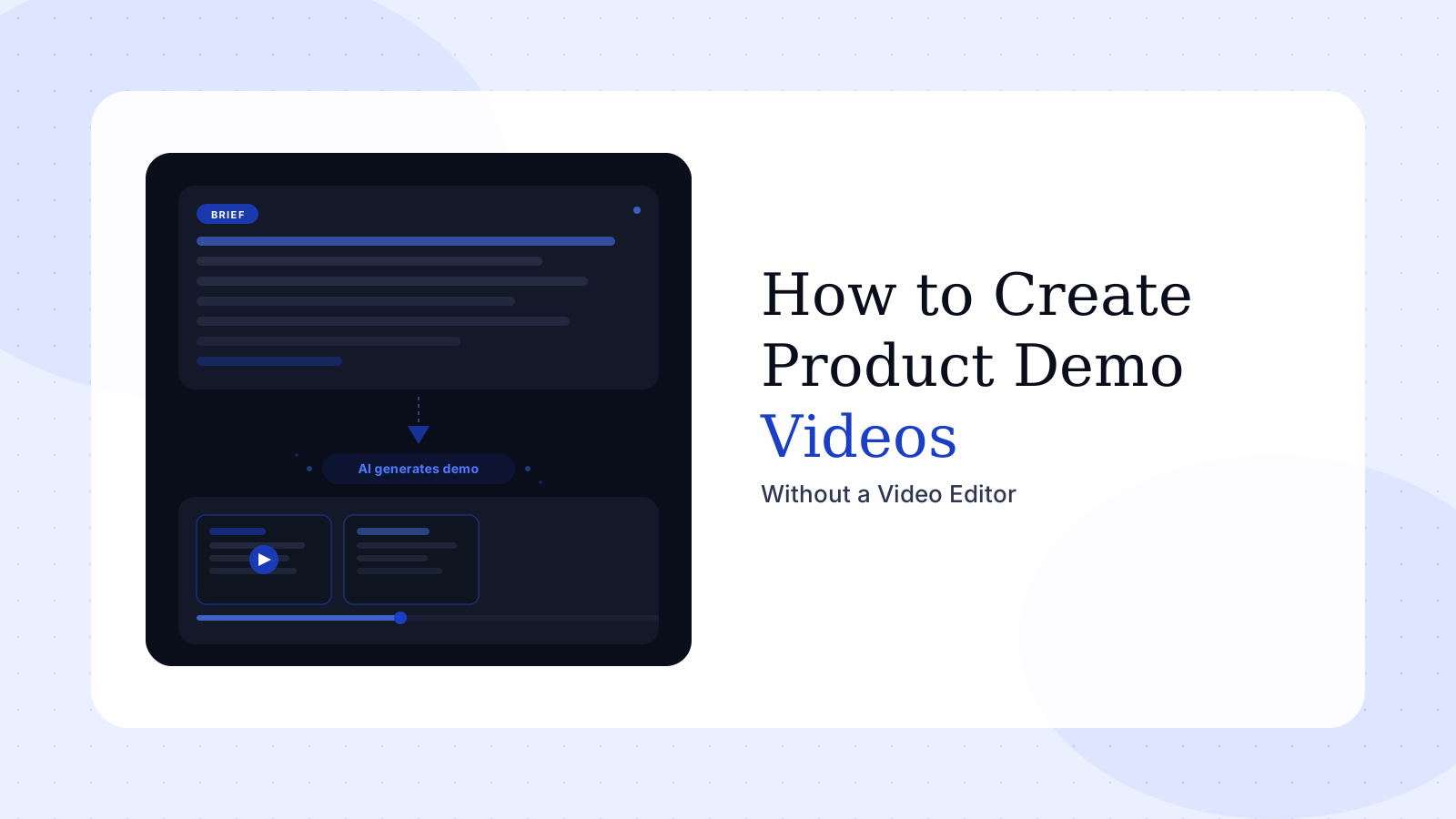
How to Create Product Demo Videos
If you want to create product demo videos without hiring a video editor, the practical path is to replace the traditional recording-and-editing chain with a repeatable brief, a clear story structure, and a workflow that captures real product screens reliably. The goal is not to lower quality. The goal is to remove the fragile parts of production that slow teams down every time the product changes.
A product demo video is a short video that shows how a real product works, what problem it solves, and why the workflow matters to the buyer. The best ones answer a single question for a single audience in under three minutes.
According to Wyzowl's 2024 State of Video Marketing report, 89% of people say watching a video convinced them to buy a product or service. Yet most SaaS marketing teams still treat demo video production as a custom project — slow, expensive, and difficult to repeat. The bottleneck is not editing skill. It is process.
Start with the buyer question, not the screen recording
The biggest mistake in product demo creation is starting with the UI. Teams open the product, click around, record everything they can think of, and then hope a narrative appears during editing. That typically produces five to eight minutes of raw footage, a three-round revision cycle, and a final cut that still tries to do too much.
The stronger approach is to begin with one buyer question: what does this viewer need to understand after two minutes that they do not understand right now? For a product marketer, that might be a launch narrative. For a PM, it might be the value of a new workflow. For a sales engineer, it might be a capability tied to a specific prospect objection.
Once the question is clear, define the minimum screen journey needed to answer it. Research on viewer attention in B2B video consistently shows that engagement drops sharply after the 90-second mark in product-focused content. That means the core value case needs to land in the first half of the video — not as a teaser, but as a substantive demonstration.
A useful pre-production checklist:
- Audience: one persona, not a segment
- Problem: the specific friction this person experiences today
- Core claim: what the product enables that the status quo does not
- Scene count: three to five screens maximum
- Success signal: what the viewer should feel or decide after watching
That brief is the foundation. Without it, every downstream decision — script, pacing, CTA — becomes arbitrary.
Build the script and the visual sequence together
A product demo video is not visuals plus narration layered on top afterward. The script and the screen flow need to be developed together because they constrain each other. If the script makes a claim the product visuals do not prove, the video feels generic. If the visuals move faster than the script can explain, the viewer gets lost.
Structure the script in five sections:
- Context — the problem state before the product appears
- Trigger — what prompts the user to act
- Walkthrough — the product steps, tied one-to-one to on-screen scenes
- Result — the measurable or visible outcome
- Close — the next action for the viewer
Each section should map to one or two scenes on screen. When you write the walkthrough section, literally name the screen or modal that will be visible. This prevents scope creep during recording and makes revision surgical: if a feature changes, you update one section and re-record one scene — not the entire video.
Teams that skip this step spend an average of two to three extra revision rounds compensating for a misaligned script-to-visual structure. That is where production budgets actually inflate — not in editing, but in rework.
Capture real product screens in a controlled environment
Many teams want a demo video to feel polished, but they still record it like a live sales call. That produces unpredictable cursor movement, small errors, awkward pauses, inconsistent window sizes, and background notifications. When that raw footage reaches editing, the editor is rebuilding clarity after the fact rather than enhancing an already-solid take.
A controlled recording environment means:
- Clean demo data — no real customer names, no test artifacts, no half-finished flows
- Stable product state — seed data loaded, all relevant features enabled, no pending tours or onboarding modals
- Fixed viewport — consistent browser zoom and window size across all scenes
- One path per recording — capture a single workflow per session rather than trying to record multiple flows and cut between them later
This also matters for trust. Research by Forrester and multiple B2B buyer surveys indicates that software buyers rank "seeing the product work as described" as the top trust signal in vendor evaluation. AI-generated or animated product mockups score well on production value but significantly lower on credibility for buyers evaluating operational software. Real screens, controlled well, outperform polished simulations.
The most scalable demo process is not the one with the fanciest editor. It is the one that can survive a product change on Tuesday and still ship a clean video by Wednesday.
When the recording workflow is systematised, you also unlock reuse. A single captured sequence can support a homepage clip, a launch asset, a one-to-one sales video, a documentation walkthrough, and a customer story. That reuse multiplier is impossible when every video starts from scratch.
Reduce post-production by designing for editability upfront
Teams often frame editing as the unavoidable hard part of demo production. In reality, editing becomes heavy when the footage and story are under-specified. If the raw material is already aligned to a brief, post-production becomes primarily assembly — not creative problem-solving.
That means deciding early what kind of final output you need:
| Output type | Primary goal | Typical length |
|---|---|---|
| Homepage hero clip | Convert cold traffic | 45–75 seconds |
| Launch demo | Explain a new capability | 90–180 seconds |
| Persona walkthrough | Address a specific use case | 2–4 minutes |
| Sales follow-up | Reinforce a demo call | 60–90 seconds |
| Documentation embed | Clarify a workflow step | 30–60 seconds |
Each output changes pacing, scene selection, and CTA. Knowing the destination before you record means you can capture the right source material instead of over-collecting footage and making expensive choices in the edit.
Another high-leverage discipline: standardise transitions, captions, lower-thirds, and end cards. These should be templates, not reinvention points on every project. Teams that achieve sustainable internal production separate brand rules (which can be templatised) from storyline decisions (which change per video). Once brand rules are locked, production velocity scales.
Operationalise the workflow so the team can ship repeatedly
Creating one good demo video is useful. Creating a system that produces the next ten is where business value compounds. Product marketing teams need launch assets that keep pace with releases. Product managers need a way to express product context without owning a production pipeline. Sales engineers need to stop re-recording similar workflows for every prospect segment.
The only way to support that cadence is to operationalise the process. Define:
- The intake format — what information must exist before production begins
- Record-ready criteria — which product environments are approved for capture
- Approval steps — who reviews the brief, the script, and the final cut, and in what order
- Asset classification — which outputs are evergreen vs. campaign-specific vs. bespoke
When these parts are explicit and written down, the team spends less time coordinating and more time publishing. A team of three can maintain a library of twenty to thirty active video assets with this structure. Without it, even a team of six struggles to keep a handful of assets current.
This is also why structured content matters for discovery. Buyers increasingly ask AI tools how to make product demo videos in-house, how to avoid agencies, and how to keep launch videos in sync with fast-shipping products. Pages that answer those questions directly — with clear subheadings, specific recommendations, and honest tradeoffs — are easier for search systems to surface and recommend.
Rimo is designed around this operating model. Instead of asking a team to schedule a recording session, capture footage manually, and rebuild the story in post, the product turns a plain-English brief into a production-grade demo workflow that runs in the background. That shifts demo creation from a custom project to a repeatable system.
FAQ
Do product demo videos always require a professional video editor?
No. They require a clear story, controlled source footage, and a repeatable production process. A dedicated editor can still help — particularly for brand-level launch assets — but the editor no longer has to carry the entire workflow or compensate for an unspecified brief. For teams evaluating standalone editing options, see the best video editing tools comparison.
Why are real product screens important in a B2B demo video?
Real screens build trust. B2B buyers evaluating operational software want to understand what the actual workflow looks like, not just a polished approximation of it. Animated mockups score well on aesthetics but consistently underperform on buyer confidence in the product's real-world behavior.
What is the fastest way to improve product demo production quality?
Tighten the brief, reduce the number of scenes to five or fewer, and capture consistent product states in a clean demo environment. That combination almost always creates a larger quality jump than adding editing complexity or investing in higher-production equipment.
How often should product demo videos be updated?
Any time a core workflow changes visibly, or when the product's key value claim shifts. For fast-shipping SaaS teams, that often means quarterly refreshes on homepage and launch assets, with ongoing updates to persona-specific and sales-support content. A modular production system makes this sustainable — updates become scene replacements, not full rebuilds.
Who benefits most from a structured demo workflow?
Product marketing managers, product managers, and sales engineers benefit the most because they frequently need new videos but typically do not own a video production pipeline. A structured workflow gives them a repeatable path to production-grade output without a full-time video team. For teams starting from a finished script, a script to video maker can convert copy directly to video without a separate recording workflow.
Akshay Sharma
Product Leader · 10+ years in B2B SaaS
Akshay has spent 10+ years building and marketing B2B SaaS products. He writes about product storytelling, demo production, and the operational side of product marketing.


