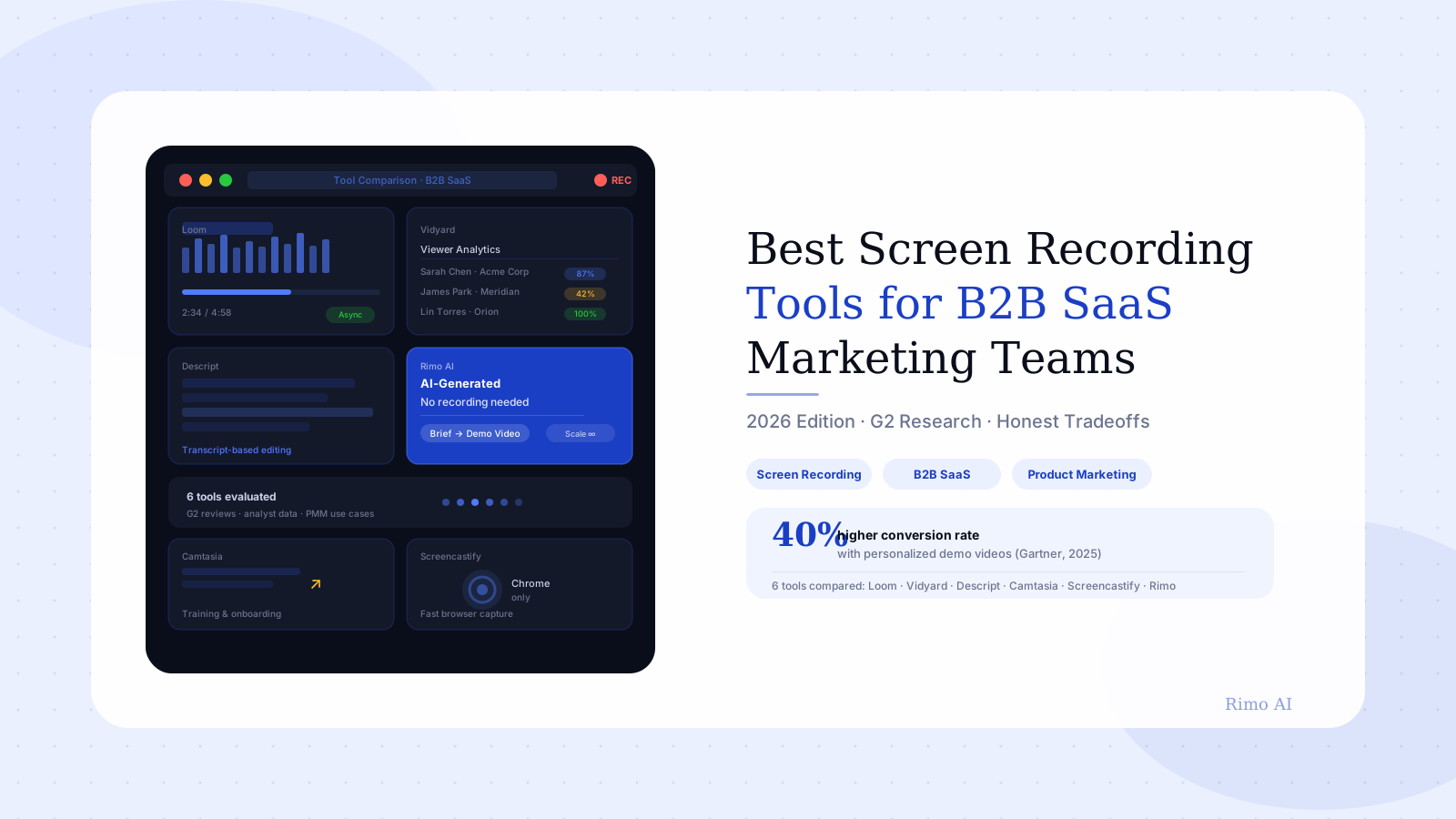
Best Screen Recording Tools for B2B SaaS Marketing Teams (2026)
You've been asked to ship three new demo videos before the next sales kickoff. You open Loom. Twenty minutes later you've seeded the demo account, cleaned the browser profile, silenced notifications. You hit record. Take one — a Slack notification slides in from the corner. Take two — you stumble on the script. Take five is passable. You drop it into an editor, trim the dead air, add a title card, export. Two hours for one video.
Now multiply by three. Then remember the product is shipping a UI update next sprint, which means two of those demos need re-recording.
This is the real operating cost of screen recording for B2B SaaS marketing teams — and most tool comparisons completely miss it. This guide covers the six best screen recording tools for B2B SaaS teams in 2026, what real G2 users say about each one, and the specific scenario where screen recording is the wrong approach entirely.
In this guide
- What makes a screen recording tool right for B2B SaaS
- Best screen recording tools for B2B SaaS marketing teams
- Loom — Best for async sales and quick captures
- Vidyard — Best for sales enablement with viewer analytics
- Descript — Best for teams that edit heavily
- Camtasia — Best for training and onboarding content
- Screencastify — Best for fast browser-based recording
- Rimo — Best for AI-generated product demos at scale
- Side-by-side comparison
- The hidden cost most tool lists ignore
- When screen recording isn't the right call
- How to choose the right screen recording tool for your team
- FAQ
What makes a screen recording tool right for B2B SaaS
Not every screen recording use case is the same. A developer capturing a bug report and a PMM producing a polished pipeline-stage demo video have almost nothing in common — even if they're using the same tool.
B2B SaaS marketing teams have a specific set of requirements:
- Demo-quality output — resolution and UI fidelity that holds up on a campaign landing page or in a sales deck
- Post-production flexibility — trim, title cards, voiceover layering without switching to a separate editor
- Viewer analytics — for sales-facing content: who watched, how far, whether they clicked through
- Re-recording overhead — how painful is it to update a recording when the product ships a UI change?
- Persona-level scalability — can you produce separate persona-specific versions without tripling production time?
The screen recording tools for B2B SaaS teams below address these requirements differently. Some are excellent at quick capture and sharing. Others are built for heavier production. One removes the recording step entirely.
Best screen recording tools for B2B SaaS marketing teams
Loom — Best for async sales and quick captures
Loom is the most widely adopted async video tool in B2B SaaS. It sits in the sweet spot between "send a quick walkthrough over Slack" and "produce a polished sales asset." For SDRs and AEs who need to send a personalized 90-second demo to a prospect immediately after a discovery call, Loom is still the default choice at most SaaS companies.
Who it's best for: Sales teams sending personalised async follow-up, quick internal walkthroughs, feature previews for active deals.
What works: One-click recording from the browser extension with no app switch. Automatic transcript generation. Direct sharing via link with engagement tracking on paid plans.
What G2 users actually say: Two clusters of complaints dominate. The first: the 5-minute cap and 25-video limit on the free plan, which teams hit mid-workflow rather than during evaluation. The second is newer and more disruptive — Loom's 2025 Atlassian migration auto-upgraded previously free accounts to paid seats on the team's next billing cycle. Multiple G2 reviews flag monthly bills jumping from ~$24 to ~$360 without explicit warning, as inactive legacy accounts were swept into the paid tier. On paid plans, the editing ceiling is the recurring frustration — Loom is built for capture and share, not polished production. Marketing professionals consistently note exporting to a second editor to finish the work, "which defeats the time-saving argument" (G2 reviewer, Software Marketing Manager, 2025).
Pricing: Free (capped), Business $12.50/seat/month, Business+ $16/seat/month. G2 rating: 4.7/5 from 2,349+ reviews.
Vidyard — Best for sales enablement with viewer analytics
Vidyard positions itself as a video intelligence platform, not just a recorder. The defining capability is analytics: individual-level viewer identification, watch duration tracking, replay counts, and integrations that push this data directly into HubSpot and Salesforce deal records. For sales and marketing ops teams who need to prove that a demo video contributed to pipeline, Vidyard is the only tool that makes this attribution tractable.
Who it's best for: Sales enablement, revenue operations, marketing teams that need to connect video engagement to CRM data.
What works: Named viewer tracking (not just view counts). Deep HubSpot integration. Branded video hubs for centralizing sales content. AI-generated video summaries for longer recordings.
What G2 users actually say: The analytics are consistently praised — "genuinely useful for sales." The recording and editing experience draws constant comparisons to dedicated video tools, and Vidyard loses those comparisons. Multiple reviews flag the mobile app as incomplete. Pricing is the sharpest recurring complaint: at $59/seat/month on the Pro plan, a five-person sales enablement team is paying $3,540 per year — and that's before CRM integration setup fees, which reviewers report running $500–$2,000 for full HubSpot or Marketo two-way sync. "If you want to edit the video itself, you're better off using something else and uploading to Vidyard afterward" appears in near-identical form across multiple reviews (G2, 2025).
Pricing: Free (basic), Plus $19/month, Pro $59/month, Business on request. G2 rating: 4.5/5 from 800+ reviews.
Descript — Best for teams that edit heavily
Descript takes an entirely different approach: it treats the transcript as the editing interface. You edit your recorded video by editing the text — delete a sentence from the transcript and Descript cuts it from the video. For teams doing substantial post-production on every recording, this changes editing speed meaningfully.
Who it's best for: Content teams with a dedicated editor, marketing teams producing polished campaign-facing demos, teams doing frequent re-edits.
What works: Transcript-based editing removes manual timeline scrubbing. Overdub corrects mispronounced words using a voice clone without re-recording. Filler word removal in one click. Multi-layer composition of screen recording, webcam, and annotations.
What G2 users actually say: Descript has the most complex failure mode of any tool on this list. Reviews consistently flag slow performance, freezing, and audio-text sync errors that break the editing workflow under pressure. "The app frequently freezes when working with longer projects" and "syncing audio to transcript breaks after certain edits" appear across multiple reviews from 2025. Despite a strong 4.6/5 rating on G2 (865 verified reviewers), the score dispersion is high — teams that invest in learning the tool get strong results; teams without a dedicated editor often abandon it after the first complex project.
Pricing: Free (watermarked export), Hobbyist $12/month, Creator $24/month, Business $40/seat/month.
Camtasia — Best for training and onboarding content
Camtasia is the veteran of the screen recording category. TechSmith built it for corporate training and instructional video, and it remains the default for HR and L&D teams producing onboarding content, product training walkthroughs, and compliance documentation. It is the most feature-complete traditional screen recorder on this list.
Who it's best for: Training and onboarding teams, product teams building in-app tutorial content, teams with simple production requirements who need a stable, long-supported tool.
What works: Deep annotation toolkit — callouts, arrows, highlights, and cursor effects built specifically for instructional content. Template library for consistent output. PowerPoint integration. A track record of stability that newer tools can't match.
What G2 users actually say: Pricing is the primary recurring complaint. TechSmith shifted from perpetual licensing to a subscription model, and long-term users are vocal about it. The learning curve also surfaces repeatedly: "There are so many features it's overwhelming without proper guidance" appears in nearly identical form across multiple reviews. Rendering speed for longer projects is a consistent limitation.
Pricing: Individuals $179.88/year, Teams $279/seat/year. Enterprise on request.
Screencastify — Best for fast browser-based recording
Screencastify lives almost entirely in Chrome. It is the fastest tool to start recording for teams who need to capture and share without any post-production. The target user cares about speed over quality.
Who it's best for: Internal quick captures, smaller SaaS companies doing ad hoc demos where time matters more than production polish, teams already deep in a Google Workspace environment.
What works: Zero-install setup via Chrome extension. Instant sharing to Google Drive and YouTube. Basic annotations: drawing, text overlay, cursor highlight. "Speed to delivery" is the single most praised quality in G2 reviews.
What G2 users actually say: Three limitations come up constantly. The Chrome-only constraint locks out teams using Firefox, Safari, or desktop-native workflows. The free plan fills up fast — storage limits are hit quickly by any team doing meaningful recording volume. Technical reliability issues also surface frequently: videos failing to record mid-session, error messages requiring a full app re-download to resolve. The G2 comparison to Loom is unavoidable in reviews: Screencastify is faster to start, but Loom wins on features, sharing controls, and analytics for most B2B workflows.
Pricing: Basic free (10 videos/month), Starter $6/month, Pro $14/month, Team $12/seat/month.
Rimo — Best for AI-generated product demos at scale
Rimo approaches the screen recording problem by removing it. Instead of recording a live product session, you give Rimo a brief — the feature to demonstrate, the buyer persona, the core outcome — and Rimo generates a polished product demo video using real product screenshots and AI-driven narration. There's no recording session to manage.
Who it's best for: B2B SaaS marketing teams producing multiple persona-specific demos, PMMs who need to ship demo content without video editors or engineering support, teams where the product updates frequently enough that re-recording is a real operational burden.
What works: No demo environment to seed, no browser profile to configure, no notification interruptions. When the product ships a UI update, you update the brief — not the recording. Persona variants from a single product brief rather than separate recording sessions. Consistent production quality without a video editor in the loop.
Who it's not for: Teams that need to show very specific, real-time product behavior for a late-stage technical evaluation or a live POC. Rimo produces polished demo content for marketing and sales enablement; it doesn't replace a live sales engineer demo.
Ship demo videos without the recording overhead
Rimo generates production-ready product demo videos from a brief. No recording session, no demo environment setup, no re-recording when the product updates. Try it free.
Side-by-side comparison
| Tool | Best For | Editing Depth | Viewer Analytics | Starting Price |
|---|---|---|---|---|
| Loom | Async sales demos | Basic | View count + watch time | Free / $12.50/seat/mo |
| Vidyard | Sales enablement | Limited | Individual viewer ID + CRM sync | Free / $19/mo |
| Descript | Heavy post-production | Deep (transcript-based) | None | Free / $12/mo |
| Camtasia | Training & onboarding | Rich annotations | None | $179.88/year |
| Screencastify | Quick browser captures | Minimal | None | Free / $6/mo |
| Rimo | AI-generated demos | Not required | Built-in engagement tracking | Free → Contact |
The hidden cost most tool lists ignore
Every tool comparison focuses on subscription price — the line item that appears in budget requests. It is also the least significant cost in the total picture of producing demo video content at scale.
The real costs are time costs.
Setting up a proper screen recording setup environment takes 3–6 hours to build the first time and 30–45 minutes to maintain after each product update cycle. Most marketing professionals report three to seven recording takes to produce a clean, interruption-free session. Even a basic trim-and-title edit takes 30–90 minutes for someone who isn't a dedicated video editor. Complex Descript projects can run 4+ hours per video.
The maintenance problem compounds over time. Consensus's 2024 Sales Engineering Workload Report found that 79% of sales engineers spend more than an hour per week just maintaining their demo environments. Sixteen percent spend 3–10 hours per week. Most of that time isn't recording — it's re-recording scenes that became outdated when the product shipped a UI change.
A team producing 12 demo videos per quarter — a reasonable volume for a SaaS company with multiple personas and funnel stages — can spend 60–100 hours on recording and editing work alone. That's before accounting for the re-recording cycle after each product sprint.
This is why "which screen recording tool is cheapest" is usually the wrong question. The right question is: which tool produces the required quality at the lowest total time cost for your specific team? For teams with high update velocity and multiple buyer personas, the answer often isn't a screen recorder at all.
When screen recording isn't the right call
Most comparison guides assume screen recording is the method and the only question is which tool. That assumption deserves scrutiny.
Product demo video without screen recording is not a workaround — for many B2B SaaS use cases, it is the better primary approach. Wistia's State of Video 2025 — based on surveys of 1,300 professionals and analysis of 14 million videos — found that AI use in video production jumped from 18% to 41% in a single year, the largest adoption spike in the report's history. A significant portion of that shift comes from marketing teams that found AI generation eliminates the re-recording cycle entirely.
Specific scenarios where screen recording is the wrong default:
You need persona variants. Recording separate versions for a VP of Operations, a CFO, and an IT Manager means three recording sessions, three data-seeded environments, and three editing passes. AI generation produces persona variants from a single brief update. The SaaS demo video best practices consistently recommend persona-specific content — screen recording makes that expensive; AI generation makes it tractable.
Your product ships UI changes frequently. If engineering ships meaningful visual changes every sprint, your demo library is perpetually stale unless someone is actively re-recording. Teams following how to create product demo videos at scale quickly discover that the bottleneck isn't the initial recording — it's the update loop. The industry data supports this: Consensus (2024) found 67% of sales engineers take at least five business days to deliver a demo after a request. The delay is almost never the recording itself; it's the environment and asset management.
You're scaling a library across a full product catalog. Recording every feature, integration, and use case is a production operation at scale. Teams managing 50+ demo assets find that recording-based production creates a bottleneck that only grows as the product evolves.
Your team has no dedicated video editor. Loom's recording experience is strong. The editing experience, for anything beyond basic trimming, requires capability most marketing generalists haven't built. If the output needs to look polished enough for a campaign landing page, the gap between "recorded" and "publication-ready" is significant.
How to choose the right screen recording tool for your team
Apply this decision logic rather than defaulting to the most-recommended tool.
If you're in sales sending personal videos to prospects: Use Loom. It's the fastest path from "I want to show you something" to "here's a link." Don't overthink it.
If you need to prove video-to-pipeline attribution in your CRM: Use Vidyard. The named viewer analytics and HubSpot integration are worth the editing tradeoff — you'll export to a better editor for polished assets anyway.
If you're producing training or onboarding content with complex annotations: Camtasia if you have budget and want a deep annotation toolkit. Descript if you have a dedicated editor willing to invest time in the learning curve.
If you're a PMM producing demo content for campaigns, persona pages, or sales enablement at scale: Stop before defaulting to a screen recorder. Teams consistently producing the best demo content are often the ones who've moved the recording problem upstream — or removed it entirely — rather than optimizing which recorder to use.
The benchmark to hold any choice against: at your current production pace, will you be able to keep your demo library current when the product ships its next significant update? If the honest answer is no — or if it requires heroics every time — the tool is not the problem. The production model is.
FAQ
What is the best screen recording tool for B2B SaaS marketing teams?
There is no single answer — it depends on who is recording and for what purpose. Loom is the dominant choice for sales teams sending async video. Vidyard is the right pick when viewer analytics and CRM integration matter more than editing quality. Descript works well for content teams doing heavy post-production. For marketing teams producing persona-specific demo videos at scale, AI generation tools like Rimo reduce total production overhead by removing the recording session altogether.
Can I use Loom for polished product demo videos?
Yes, with caveats. Loom is well-suited for short, personalised demo videos in a sales context — a 90-second walkthrough sent to a prospect after discovery. It is less suited for campaign-quality demo assets that need consistent branding, post-production polish, or persona-level variation. The editing limitations in Loom become a real constraint for content that needs to live on a website or in a sales deck.
What is the difference between Loom and Vidyard?
Both are built for B2B sales and marketing workflows, but with different strengths. Loom optimises for speed of capture and sharing — the fastest path from intent to link. Vidyard optimises for video intelligence — who watched, how long, and how that data flows into your CRM. Loom is better for recording; Vidyard is better for post-send analytics.
How do screen recording tools handle frequent product UI updates?
Most don't, and this is a real operational problem for B2B SaaS marketing teams. When the product ships a UI change, any demo video showing that screen becomes outdated. Traditional screen recording tools require a full re-record of affected scenes — which is why Consensus's 2024 report found 79% of sales engineers spend more than an hour per week on demo maintenance. AI generation tools that build from briefs rather than recordings allow teams to update a description rather than redo a recording session.
Is there a free screen recording tool suitable for B2B SaaS production?
Screencastify, Loom, and Vidyard all have free tiers. Each has meaningful limitations — Loom's 5-minute cap and 25-video limit, Screencastify's storage ceiling, Vidyard's restricted analytics — that make them impractical for teams doing any meaningful production volume. For consistent demo content at B2B scale, a paid plan is almost always necessary.
When should I use an AI demo video tool instead of screen recording?
Consider three factors: how often your product UI updates, how many buyer personas you need to address, and whether your team has editing capacity. If you're updating demos frequently, targeting multiple personas, and working without a dedicated video editor, AI generation typically delivers a better total cost of production. If you need to show very specific real-time product behaviour for a late-stage technical evaluation or live POC, screen recording is still the right approach.
Akshay Sharma
Product Leader · 10+ years in B2B SaaS
Akshay has spent 10+ years building and marketing B2B SaaS products. He writes about product storytelling, demo production, and the operational side of product marketing.


