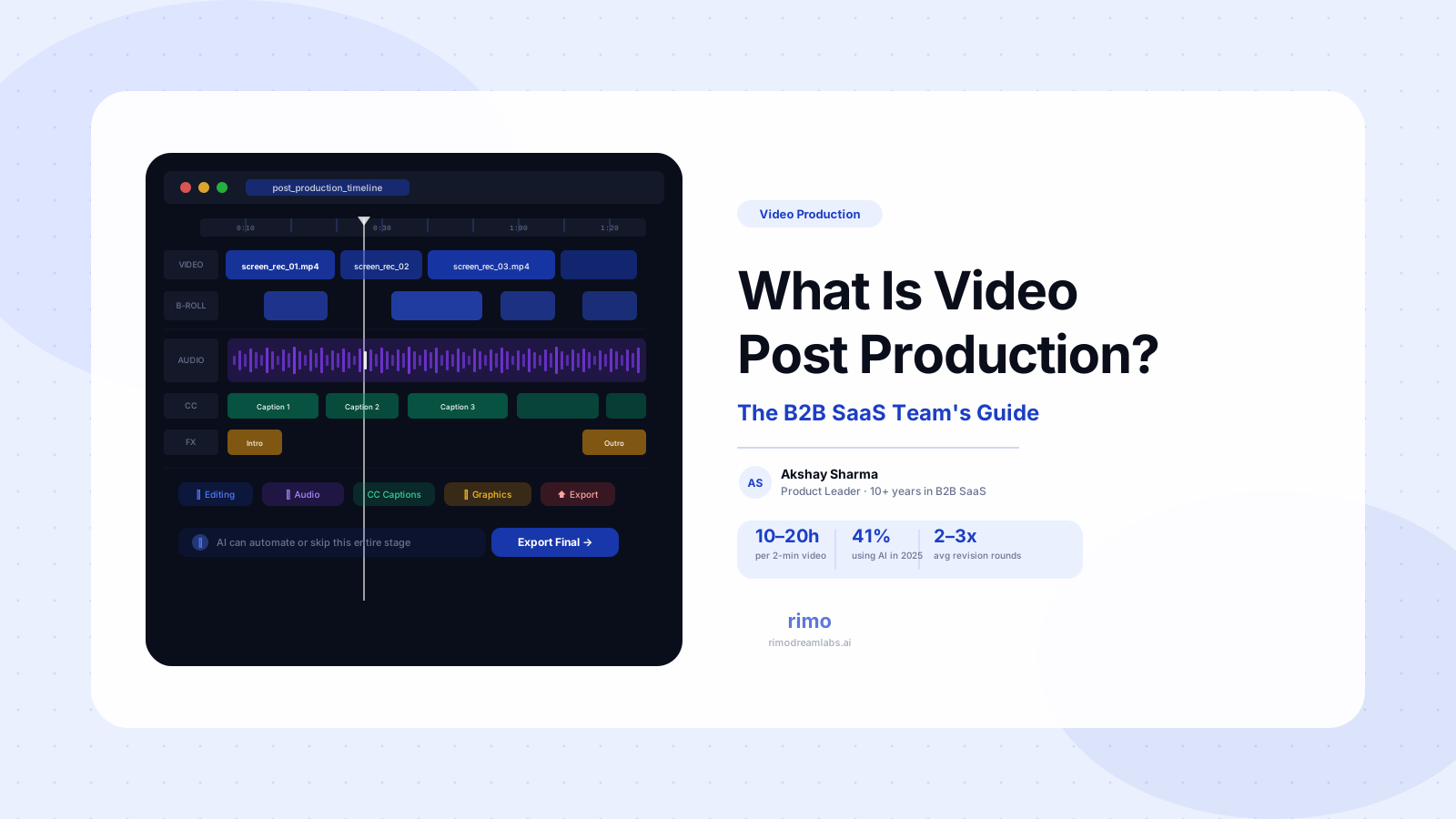
What Is Video Post Production? A B2B SaaS Team's Guide
You recorded the screen. You ran the voiceover. The product looked sharp, the script made sense, and the demo environment cooperated for once. You thought you were done.
You weren't. You'd just finished the easy part.
Video post production is the phase where raw footage becomes a finished, distributable video asset — and for most B2B SaaS marketing teams, it's also the phase that silently eats two to three weeks of every quarter. This is partly a tooling problem and partly a process problem. But mostly it's a framing problem: the standard post production workflow was designed for film and agency professionals, and the assumptions baked into it don't hold when you're trying to ship a product demo video between sprint reviews.
This guide breaks down what video post production actually involves, what it realistically costs in time, where the hours disappear, and why AI is changing which parts of this workflow your team still needs to do manually — for B2B SaaS teams specifically, not for Hollywood.
In this guide
- What is video post production?
- The video post production workflow, stage by stage
- Video post production software: what B2B SaaS teams actually use
- How long does video post production actually take?
- The compounding problem: when your product ships faster than your edits
- How AI is reshaping video post production for B2B SaaS
- FAQ
What is video post production?
Video post production is the third phase of the video production process — everything that happens after the camera stops recording or the screen capture ends. It turns raw footage, voiceover recordings, and graphic assets into a polished, finished video ready for distribution.
The classical three-phase model breaks down like this:
- Pre-production: Strategy, scripting, storyboards, setting up the demo environment
- Production: Screen recording, voiceover capture, any live-action shooting
- Post-production: Editing, audio cleanup, captions, motion graphics, color correction, review cycles, final export
For a film or agency production, post production is a multi-person operation with specialists at every stage: a dedicated editor, a colorist, a sound designer, a motion graphics artist. For a B2B SaaS marketing team — typically two to four people managing multiple concurrent launches — the same stages still need to happen, but without the crew.
That's the structural tension. Post production as a discipline was designed for productions that shoot once and assemble carefully over weeks. B2B SaaS products ship every two weeks. The post production workflow inherited from traditional video production is the wrong shape for that reality — and most teams feel this acutely but can't name exactly why their video pipeline is always behind.
Video post production is sometimes confused with the full video production process. Production is the recording phase. Post production is everything after: editing, audio mixing, captions, graphics, review, and export.
The video post production workflow, stage by stage
Most of the pain in video post production is predictable. Here's where the time actually goes — and where the hidden costs accumulate.
Footage review and organization
Before any edit starts, every take needs to be reviewed, sorted, and organized. For a two-minute demo video with multiple takes per scene, this means sitting through 15–25 minutes of raw material to find the usable clips. Teams that don't build a consistent naming and tagging system treat every new project as a search-and-rescue mission through disorganized folders.
It sounds like a minor step. It's rarely minor. Teams that skip it spend it anyway — spread across the entire edit in frustrating, invisible increments.
Video editing
This is the core of post production: assembling footage into a coherent sequence, cutting dead air, removing mistakes, and pacing the visual content so it matches the narration. In a screen recording workflow, the editor is timing UI movements to voiceover sentences, trimming hesitations, and smoothing transitions between scenes.
Even with modern tooling, a well-edited two-minute product demo takes four to eight hours of editing work. That's for one round. Most projects don't end after one round.
Audio post production
Voiceover recordings almost always need cleanup: background noise removal, level balancing between takes, timing adjustments where narration and visuals fall slightly out of sync. In a home office or open-plan environment, this adds 30–90 minutes to every project. Skipping it is visible — and distracting to buyers watching in a quiet room. The gap between "good enough for me" and "good enough for a buyer in evaluation mode" is larger than most teams expect.
Captions and subtitles
Captions are now expected, not optional. A significant share of B2B buyers watch video without sound, particularly in office environments. Auto-captioning tools handle the heavy lifting, but they consistently misread product-specific vocabulary: feature names, company terminology, technical concepts that don't appear in standard speech-to-text training data.
For a B2B SaaS product demo video, a miscaptioned feature name isn't a cosmetic error — it's a credibility issue. Every caption pass still needs a human proofread.
Motion graphics and titles
Lower thirds, annotations on the product interface, intro/outro cards — these are what separate a polished demo from a raw recording. Without templates, creating them from scratch for each project is one of the most time-consuming parts of the workflow. Teams that don't standardize their graphic conventions spend more time on motion graphics than on the edit itself, and the output still looks inconsistent across their content library.
Review, revisions, and approvals
Here's the stage that most post production guides skip entirely — and it's where more production hours disappear than any editing step.
The video might be technically finished, but it then enters a review cycle: PMM review, stakeholder sign-off, sometimes a legal or product check. Revisions require re-editing and re-exporting at each round. G2 reviews of collaborative video tools consistently identify the same friction points: email threads with unclear timestamps, comments that describe a problem without specifying which frame, and revision requests that are vague enough to require a follow-up call before they can be actioned.
Most B2B SaaS projects average two to three revision rounds. The review and approval cycle adds more hours than the initial edit in many cases — and it's the part of the workflow that no amount of better editing software fixes.
Export and delivery
Resolution, format, compression settings, aspect ratio, file size for email sends — these decisions get made ad hoc by whoever happens to be last in the production chain. Without a standard delivery specification that covers every distribution channel, every video is a judgment call, and inconsistent output follows.
Skip the edit cycle entirely
Rimo generates production-ready product demo videos from a plain-English brief — no recording session, no timeline editing, no revision backlog.
Video post production software: what B2B SaaS teams actually use
The video post production software market splits into two distinct categories for B2B SaaS teams: professional editing tools built for video specialists, and content workflow tools built for teams that need to ship quickly without becoming editors.
Professional video editing tools
- Adobe Premiere Pro — The industry standard. G2 rating 4.5/5. Deep feature set, strong Adobe Creative Cloud integration, extensive tutorial ecosystem. Reviewers describe it as "heavy and clunky" with slow load times. Built for professionals who work in it every day. For a PMM who opens it once a month to update a demo clip, the learning curve doesn't stay learned.
- DaVinci Resolve — Free with a professional-grade feature set. G2 rating 4.7/5. The best color tools in the market. A genuinely impressive piece of software — for someone with time to learn it and daily use to reinforce it. For occasional editing, the feature density works against speed.
- Final Cut Pro — Apple's professional option, notably fast on Apple Silicon hardware. Stable, well-organized, and strong for editors who live in the Apple ecosystem. Real investment required to learn, and the skills don't transfer to other platforms.
Content workflow tools
- Descript — Transcript-based editing: you cut the video by deleting words from a document. G2 rating 4.6/5 from 880+ reviews. One of the most accessible tools for B2B SaaS content teams producing voiceover-heavy video. Reviewers flag intermittent export failures and transcription inaccuracies for technical vocabulary as recurring issues (G2, 2025–2026).
- CapCut for Business — Fast, template-driven, strong auto-captions. Better for short-form social cuts and announcement clips than for multi-scene product demos where brand consistency across a content library is a real requirement.
The best AI video editing tools add a third category: platforms applying AI to specific post production tasks — removing filler words automatically, generating captions, background replacement, AI-assisted transitions. These accelerate individual stages rather than replacing the workflow.
One pattern shows up repeatedly in G2 reviews across all pricing tiers: flat seat fees don't match project-based production spikes. A team that produces five videos in one month and none the next is still paying the same seat cost as a daily-active user. No major player has fully addressed this structural mismatch.
How long does video post production actually take?
The honest answer is longer than almost every team estimates before they do it the first time.
For a two-minute product demo video with screen recording, voiceover, captions, and basic motion graphics:
| Stage | Estimated Time |
|---|---|
| Footage review and organization | 30–60 minutes |
| Video editing | 4–8 hours |
| Audio cleanup | 30–90 minutes |
| Captions | 30–60 minutes |
| Motion graphics | 1–3 hours |
| Review and revisions (2–3 rounds) | 4–8 hours total |
| Export and delivery | 30 minutes |
That's 10–21 hours for a single two-minute video. VMG Studios research puts the full post production timeline for a two-minute marketing video at approximately two weeks when stakeholder revision cycles are factored in.
For a team running one video per month, this is manageable with the right tooling. For a team running three or four demo video updates per sprint, it becomes a permanent backlog. The production queue fills faster than it empties.
The compounding problem: when your product ships faster than your edits
Most video post production guides don't address this problem because they're written for filmmakers — and filmmakers don't push product updates every two weeks.
B2B SaaS products move fast. Navigation changes. Features get renamed. Workflows get redesigned. A demo video that was accurate in January is often misleading by April — and outdated content doesn't just fail to convert. It actively damages credibility with buyers who check the video against the actual product before a purchase decision. A significant portion of B2B evaluation happens without any direct vendor contact (Gartner, 2024). That makes every piece of demo content a sales asset that either builds or erodes trust, with no salesperson in the room to correct it.
Every time the product changes, the full post production cycle has to restart: new recording, new voiceover, new edit, another 10–20 hours. Meanwhile, the outdated version stays live because the team hasn't had a sprint cycle to spare.
The biggest video production problem for SaaS teams isn't making the first video. It's the third version. By the time post production wraps on an update, the product has usually shipped something else. You're always one cycle behind.
Teams that avoid this pattern share two structural decisions. First, they build videos in short, single-workflow clips rather than long product tours. A 90-second clip showing one capability is significantly easier to update than a five-minute overview of the entire product. When the workflow changes, you swap one clip — not the whole asset.
Second, they treat post production as a repeatable operational process, not a custom creative project. Templates for captions, lower thirds, and export settings mean the production layer stays consistent even as the content changes. What's repeatable should not require fresh decisions every time.
Neither of these is technically complex. What prevents most teams from adopting them is that the traditional post production mindset — built around film, not software — treats every project as a one-off production event. The SaaS reality demands an operational one.
How AI is reshaping video post production for B2B SaaS
The Wistia 2025 State of Video report found that AI use in video production jumped from 18% to 41% in a single year — the largest single-year adoption spike the report has recorded. Among teams using AI, the most common applications are auto-captions (over 60% planning to use or already using), voice dubbing (38%), and language translation (31%).
These are genuine improvements to individual post production stages. Automated captions alone reduce a manual step that previously added 30–60 minutes per project. AI-assisted audio cleanup handles basic noise reduction and level balancing faster than manual tools. These are meaningful time savings at the task level.
But the more significant shift is happening at the workflow level — not within post production, but around it.
AI product video generation platforms now produce finished video assets from a written brief: script, screen content, narration, captions, and production layer included, without a recording session or edit cycle. For a product demo video showing a specific SaaS workflow, the entire post production phase can be bypassed rather than accelerated.
This doesn't replace every type of video production. Interview content, event coverage, brand films, and projects where a human creative voice in the edit is the point still require skilled editing. But for the video types that consume the most post production hours in B2B SaaS — product demos, feature walkthroughs, use-case-specific videos, onboarding content — AI-native generation is increasingly the faster path to a finished asset.
The useful reframe here: most B2B SaaS teams are spending post production time optimizing the wrong question. They're asking "how do we edit faster?" The question worth asking is "do we need to edit at all?" For a growing portion of product marketing video output, the answer is now no — and that changes the post production equation more than any new editing tool could.
FAQ
What is the difference between video production and video post production?
Video production refers to the complete process of creating a video from concept to finished asset, including all three phases: pre-production (planning and scripting), production (recording and capture), and post-production (editing, audio, graphics, and export). Video post production is specifically the third phase — everything that happens after footage is captured. The terms are sometimes used interchangeably in casual conversation, but post production is a distinct subset of the broader production process, and for B2B SaaS teams, it is typically the longest and most resource-intensive phase.
What software do B2B SaaS teams use for video post production?
The most common choices are Adobe Premiere Pro and DaVinci Resolve for teams with dedicated video specialists, and Descript or CapCut for Business for content teams editing without a specialist. AI-native platforms like Rimo generate finished demo videos from a written brief, making the post production step unnecessary for product demo content. The right tool depends on how frequently your team produces video, whether you have a dedicated editor, and whether your primary output is demo videos or broader video content.
How long does video post production take for a 2-minute demo video?
Between 10 and 20 hours of work when revision cycles are included. The edit itself takes 4–8 hours. Audio cleanup, captions, motion graphics, and two to three rounds of stakeholder review and revisions account for the rest. VMG Studios research puts the complete post production phase at approximately two weeks for a two-minute marketing video when all approvals are factored in — a timeline that most B2B SaaS teams recognize immediately.
What does a video editor do in post production?
A video editor assembles raw footage into a coherent narrative sequence, times the visuals to the script or voiceover, removes mistakes and dead air, adds captions and motion graphics, manages audio quality, performs color correction, and prepares the final export. For B2B SaaS teams, the editor often also manages the review cycle — sharing drafts, collecting feedback, actioning revisions, and re-exporting at each round. The collaboration layer is as much of the job as the technical editing.
Can AI replace video post production for B2B SaaS teams?
For specific video types — product demos, feature walkthroughs, persona-specific use case videos, onboarding content — AI-native generation platforms produce finished videos from a brief without a recording session or edit cycle, making traditional post production unnecessary for that category. For interview content, brand films, or projects where human editorial judgment is central to the output, skilled editing still provides capabilities AI tools don't fully replicate. The right answer is specific to video type, not a blanket yes or no.
Do I need post production software to make product demo videos?
Not necessarily. Traditional post production software assumes you're starting from raw footage and need to assemble it manually. AI video generation platforms start from a brief and produce a finished video asset without requiring a recording session or edit cycle. For teams whose primary video output is product demo videos and feature walkthroughs, AI-native tools may be a better fit than post production software built for workflows that begin with raw footage.
Akshay Sharma
Product Leader · 10+ years in B2B SaaS
Akshay has spent 10+ years building and marketing B2B SaaS products. He writes about product storytelling, demo production, and the operational side of product marketing.