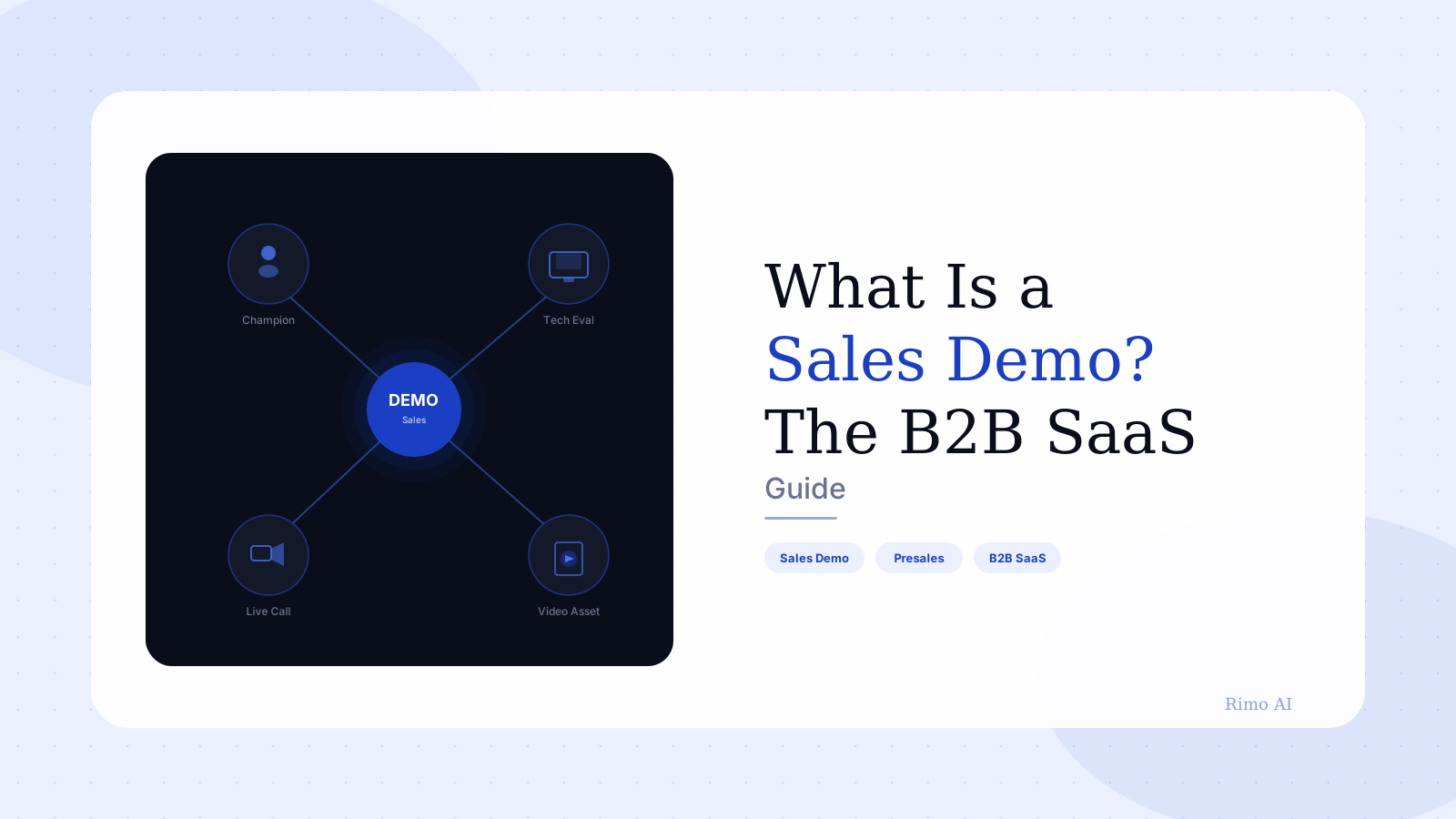
What Is a Sales Demo? Definition, Types & Best Practices
You have forty-five minutes with a buying committee: a VP of Sales, two reps, and a skeptical IT manager who was pulled in at the last minute and clearly has somewhere else to be. Your AE has primed this room for three weeks. The proposal is drafted. Every call, every email, every qualification point has led here. This demo — right now — is the only thing standing between an active opportunity and a closed deal.
This is a sales demo. Not a product explainer. Not a training session for someone who already signed. Not a marketing video that happens to show your interface. A sales demo is a commercial act — every minute of it exists to help a specific buyer answer one question: does this product solve my problem well enough to justify the cost, the implementation work, and the internal risk of recommending it?
Most advice on sales demos focuses on tactics: preparation checklists, objection-handling scripts, closing questions. Useful, but it starts in the wrong place. Before any of that, you need to understand what kind of demo this is, what it has to prove, and how it connects to everything that happens before and after the call. That's what this guide covers.
In this guide
- What is a sales demo?
- The 5 types of sales demo in B2B SaaS
- What a great sales demo actually looks like
- How to prepare for a sales demo
- How to run a sales demo in 2026
- The content asset hiding in your best demos
- FAQ
What is a sales demo?
A sales demo is a structured presentation of your product or service to a prospective buyer, with the explicit goal of moving that buyer toward a purchase decision.
The word "structured" matters. A sales demo is not an open-ended product tour, a feature inventory, or a training session for someone who already bought. Every minute of it exists to help a specific buyer evaluate whether this specific product solves their specific problem — well enough to justify cost, risk, and implementation effort.
That framing changes everything about how you approach the demo: which features you show, in what order, with what context. A demo that answers "what does this product do?" is a fundamentally different thing from a demo that answers "can this solve my problem?" The first produces informed prospects. The second produces closed deals.
The clearest way to understand a sales demo: it's evidence. The account executive made claims in discovery. The deck made promises. The sales demo is where those claims get tested — every screen you show is either building conviction or eroding it.
The 5 types of sales demo in B2B SaaS
Not all sales demos serve the same purpose. Treating them as one interchangeable format is one of the most reliable ways to waste SE time and stall deals.
1. The discovery demo
This is an early-stage demo, often requested before you'd ideally run one. The buyer says "just show me what it does" before a proper discovery conversation has happened. Running a full personalized demo at this point is a mistake — you don't know enough yet to make it relevant.
The right move: run a short, structured overview — 15 to 20 minutes — then ask questions. Treat it as extended discovery with the product as a backdrop, not a closing presentation. The goal is to build enough context to earn the next, better demo.
2. The value demo
This is the core demo in most B2B SaaS sales cycles, and it comes after discovery. It is tailored to the buyer's stated pain points, built around their specific role and workflow, and focused on the capabilities that matter most for their situation — not everything the product does.
This is where a sales engineer earns their seat at the table. A well-run value demo doesn't walk through a feature list. It solves a specific problem, live, in front of people who have that problem. Buyers can tell immediately whether a demo was built for them or pulled from a generic library — and the response is different every time.
3. The technical demo
Enterprise deals almost always require a second demo, this time for the technical buyer: a CTO, VP of Engineering, CISO, or IT lead. This person has entirely different questions. They're not asking "can this solve my business problem?" They're asking "can this actually work in our environment?" and "what are the security implications?"
This is a different presentation entirely. Security architecture replaces user workflow screenshots. Integration diagrams replace dashboard UI. The same product, a completely different story told for a completely different set of evaluation criteria.
4. The proof-of-concept (POC)
A POC is not a traditional demo — it's an extended, collaborative evaluation. Instead of the vendor presenting, the buyer tests. You configure an environment with realistic data, define success criteria together, and let the technical team get hands-on. POCs are standard in complex enterprise deals and typically gate the contract moving to legal review.
They're expensive. A full POC can consume several weeks of SE capacity. Teams that run too many POCs against poorly qualified deals will run out of bandwidth before they run out of pipeline.
5. The async sales demo
This is where 2026 diverges most sharply from the traditional playbook. According to Gartner's 2026 research, 67% of B2B buyers now prefer a rep-free experience for at least part of their evaluation. The async demo — a product demo video sent before, after, or instead of a live call — meets buyers on their schedule without requiring SE time.
Async demos work for top-of-funnel qualification, for re-engaging quiet deals, for sharing with stakeholders who weren't on the original call, and for shortening the sales cycle by enabling parallel evaluation across a buying committee rather than sequential live calls with one person at a time.
What a great sales demo actually looks like
Most demos fail for one of three reasons. Understanding them is more useful than any preparation checklist.
Failure mode 1: Feature walk, no story. The rep opens the product and navigates through screens roughly in the order they appear in the menu, narrating what they're seeing. The buyer disengages within ten minutes. They learn what the product does. They never understand why they should care.
Failure mode 2: Generic setup. The demo environment has placeholder data — "Acme Corp," generic user names, dollar amounts clearly not from any real business. The buyer never mentally maps themselves into what they're watching. The demo feels like a trade show presentation, not a solution to their actual situation. Every "Acme Corp" in the UI is a small signal that the vendor didn't do the work.
Failure mode 3: Answering questions nobody asked. The rep prepared twenty screens and intends to cover all of them. The buyer asked a specific question about integrations in minute four, and the answer is "we'll address that later." Buyers who feel managed rather than heard disengage fast — and they remember it when the deal gets to procurement.
A great demo inverts all three. It starts with the buyer's stated problem, in their language. It moves directly to the capability that addresses it. It shows an outcome the buyer can immediately recognize from their own job.
The demos that close deals fast are rarely the most comprehensive ones. They're the ones where the buyer thinks "these people actually understand my problem." You get there by showing less, not more.
The counterintuitive truth about demo length: the best sales demos often skip more of the product than you'd expect. When a buyer says "that's exactly what we need," they rarely mean "after seeing 40 features." They mean "you showed me the one thing I've been trying to solve."
How to prepare for a sales demo
Preparation is where most sales teams underinvest relative to its impact.
Know everyone in the room — and what they each need to believe. In a group demo, each attendee has a different buying motivation. The economic buyer cares about ROI and total cost. The technical evaluator cares about integration and security. The end user wants to know if this is genuinely easier than what they're doing now. One demo, multiple buyers, different proof points for each of them.
Build a realistic demo environment. Use data that mirrors the prospect's industry, role, and workflows. If you're selling to a logistics company, the KPIs on screen shouldn't look like e-commerce metrics. A properly configured demo environment is one of the highest-leverage investments an SE team can make — and one of the most consistently neglected. Generic data is the visual equivalent of "insert company name here."
Write a narrative, not a feature list. Before the call, name the three things this specific demo has to prove. If you can't name them, your demo will drift. Every screen you show should serve one of those three proof points. Everything else — no matter how genuinely impressive — should be cut. The features you leave out of a demo are as deliberate as the ones you include.
Plan your opening. The first two minutes determine the tone for everything that follows. Don't open with "let me just share my screen." Open with a direct callback to the discovery conversation: "On our last call, you mentioned that [exact pain point the buyer stated]. Today I want to show you specifically how we address that." Immediate relevance. It signals you listened — which is rarer than it should be.
Turn your best sales demo into a reusable video asset
Rimo converts your product screens and talking points into a polished, shareable demo video in under an hour. SE teams use it for leave-behinds, marketing teams use it for the website.
How to run a sales demo in 2026
Running the demo is the smaller part of the work. Preparation is where deals are won before the call starts. But execution matters — especially in the room.
Start with context confirmation, not features. Before you show anything, verify you've understood the problem correctly: "Based on our last conversation, the core issue you're solving is X. Does that still hold, or has anything shifted?" This takes 90 seconds. It resets everyone to the same problem statement and signals that this demo was built for them specifically.
Demo workflows, not features. Don't demonstrate a feature. Demonstrate the outcome of using that feature in a workflow the buyer actually runs. "Here's your team's Monday morning — instead of pulling these three reports manually and cross-referencing them, here's what happens automatically." Outcome-first framing, every time.
Invite interaction early. Don't save questions for the end. Create a natural pause after the first major workflow: "Does that address the issue you described, or is there a wrinkle in your setup we should work around?" This also serves as a temperature check — if they're not engaged after two workflows, you learn that before you've used 40 minutes.
Handle objections where they land. When an objection surfaces, don't defer it. Address it briefly and directly, then continue. "We'll cover that later" signals that you're managing the buyer's agenda rather than responding to it. Informed B2B buyers in 2026 notice that difference.
End on a concrete next step. Don't close a demo with "so, what do you think?" That transfers the burden of defining momentum to the buyer. Instead: "Based on what we covered today, the natural next step would be [specific action]. Does that work, or is there something that needs to happen on your end first?" Concrete, directional, and low-friction to say yes to.
The content asset hiding in your best demos
Here's what almost no standard sales demo playbook addresses — and it's where the highest-performing presales teams are quietly pulling ahead.
Every live sales demo your team runs is also a content production opportunity. Most B2B SaaS companies throw that opportunity away.
Think about what happens after a successful demo call. The champion loved it. They want to share it with their CFO, their CISO, and two other stakeholders who weren't on the call. What do you send them? A proposal PDF they won't open? A slide deck with no context? Most sales teams send a "thanks for your time" email and hope the champion remembers enough detail to sell internally on their behalf.
What you could send instead: a clean, polished video walkthrough — built from your actual product screens, narrated for their specific use case, under five minutes — that does the internal selling for you even when you're not in the room. Not a recording of the raw Zoom call. A purpose-built product demo video that a demo engineer or PMM builds from the same content the SE already prepared.
This is not a marginal improvement. According to Walnut's 2026 data, teams that personalize at least 50% of their demos see over 40% higher conversions compared to teams using generic assets. But personalization at that scale requires a system — not individual reps spending two hours in screen recording tools stitching together imperfect takes of the same workflow.
The practical playbook, which the guide to automating demo video creation covers in detail, is to treat every strong live demo as a template for a reusable asset. Capture the best version of each core workflow. Build a library of persona- and industry-specific video modules. Deploy those modules as leave-behinds, follow-up assets, and outbound content — without running the same live demo 30 times from scratch.
The live demo closes the deal in the room. The demo video closes it with everyone else.
FAQ
What is the difference between a sales demo and a product demo? A sales demo targets a prospective buyer as part of an active sales process — its goal is to advance a deal toward a purchase decision. A product demo video can refer to any demonstration of how a product works, including onboarding a new user, educating an existing customer, or publishing content on a marketing website. All sales demos are product demonstrations, but not all product demonstrations are sales demos.
How long should a sales demo be? For a core value demo, 30–45 minutes is standard. Discovery demos work in 15–20 minutes. Technical deep-dives often run 60 minutes or more. The right length depends on the buyer's evaluation stage and the complexity of what needs to be proved — not how much you want to show. Async leave-behind video should run 2–5 minutes maximum.
What should you include in a sales demo? A well-structured sales demo includes three to five key workflows that directly address the buyer's stated pain points, realistic demo data that mirrors the buyer's industry and role, and a narrative that connects every feature shown to a business outcome the buyer recognizes. Skip everything else — the features you leave out are as intentional as the ones you include.
What makes a sales demo fail? Three patterns account for most failures: walking through features without a narrative that connects to the buyer's problem; using placeholder data the buyer can't map to their own context; and failing to leave structural room for buyer engagement and redirection. The best sales demos are conversations, not presentations. See also SaaS demo video best practices for the async version of these principles.
How do you follow up after a sales demo? Send a follow-up within 24 hours that recaps the pain points discussed, the capabilities demonstrated, the agreed next step, and any open questions. The highest-converting follow-ups also include a short demo video — a shareable leave-behind the buyer can distribute to internal stakeholders who weren't on the call. This is where most B2B deals are won or lost, and most sales teams underinvest here.
What is the difference between a live demo and an async demo? A live demo happens in real time over a video call — interactive, responsive, and tailored in the moment, but a one-time event. An async demo is a pre-recorded or AI-generated video sent as a link — watchable on the buyer's schedule, shareable with the full buying committee, and reusable across similar accounts. Most high-performing B2B sales teams in 2026 use both: live demos for high-stakes evaluations, async demos for follow-up, qualification, and expansion conversations. Some teams are also beginning to deploy AI demo agents to handle initial qualification and top-of-funnel demos without SE involvement.
Akshay Sharma
Product Leader · 10+ years in B2B SaaS
Akshay has spent 10+ years building and marketing B2B SaaS products. He writes about product storytelling, demo production, and the operational side of product marketing.