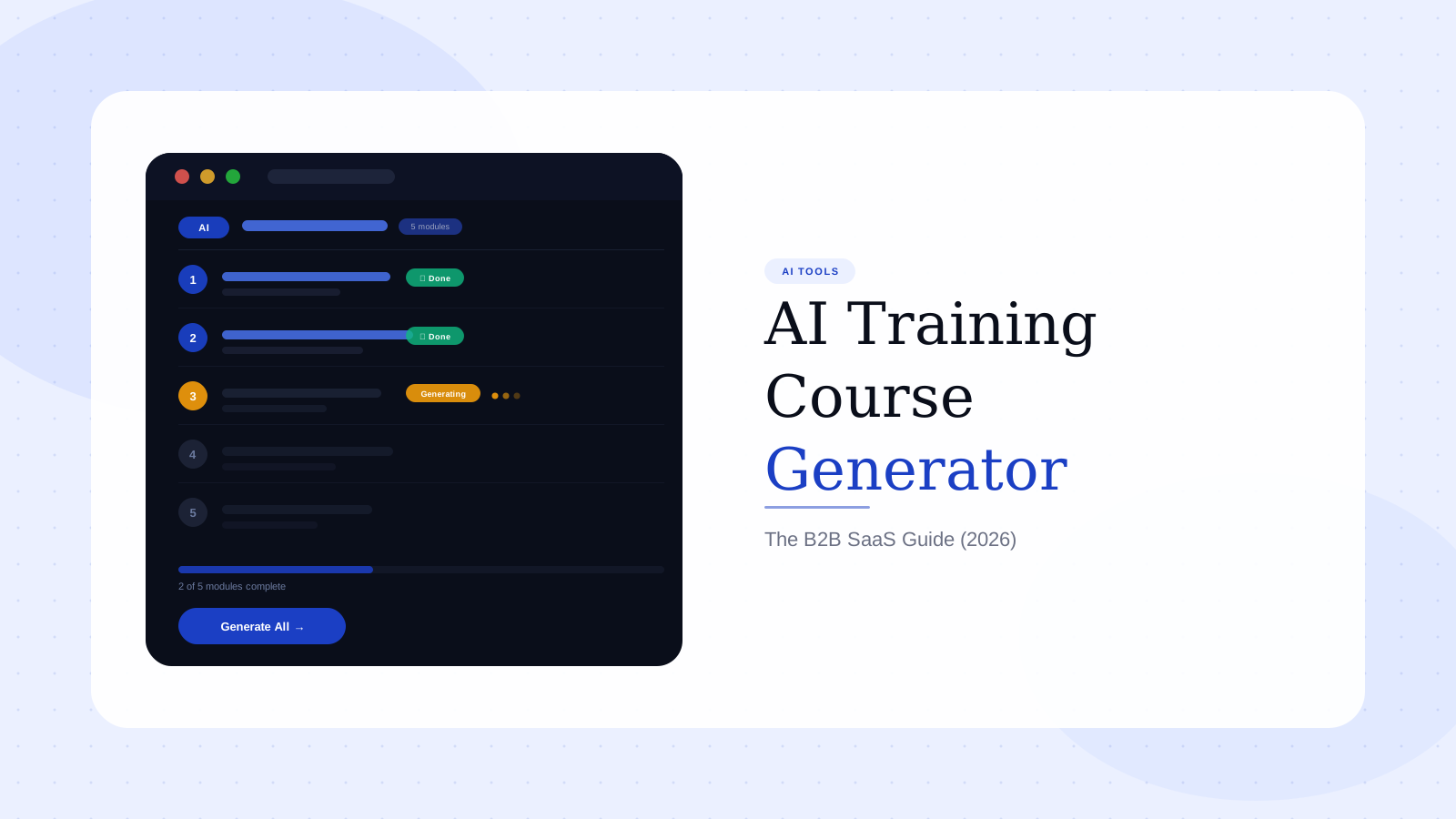
AI Training Course Generator: The B2B SaaS Guide (2026)
Your product team just launched three new features. Your L&D lead is a team of one who's already behind on the partner enablement course from last quarter. Your support inbox is filling with questions about features that shipped two sprints ago. And someone just booked a kickoff meeting for the new employee onboarding program that was supposed to go live in January.
This is the resource equation most B2B SaaS teams are working with. Training content needs to exist — for customers learning a new workflow, for partners explaining your product to their clients, for internal teams keeping pace with product changes. But creating it traditionally — scripting, recording, editing, voicing, captioning, packaging for an LMS — takes more time than most teams can find between sprints.
AI training course generators exist to close that gap. They turn a brief, a script, or a set of slides into a structured training video without a recording session, without a video editor, and without a production timeline measured in weeks. This guide covers what they are, which tools lead the category in 2026, and what most evaluations get completely wrong.
In this guide
- What is an AI training course generator?
- Why manual training video production breaks at scale
- The 6 best AI training course generators in 2026
- How to create a training course video with AI in 5 steps
- Avatar video vs. real UI video: the trust framework
- What to look for when evaluating an AI training course generator
- The update problem: re-record debt and how to avoid it
- FAQ
What is an AI training course generator?
An AI training course generator is a software platform that uses artificial intelligence to create structured training content — primarily video — from text inputs, product briefs, slide decks, or screen recordings.
The practical definition matters here. An AI training course generator is not the same as a traditional eLearning authoring tool. Authoring tools like Articulate 360 and iSpring provide an interface for humans to build interactive courses manually. An AI generator automates the production layer — the scripting, narration, visual assembly, and formatting — so subject-matter experts can produce finished training assets at the speed of their knowledge, not the speed of their video editing skill.
The category breaks down into three distinct production models:
- Brief-to-video — A plain-English description or structured brief generates a complete training video with narration, visuals, and pacing
- AI avatar + slide-to-video — A written script is presented by an AI avatar over formatted slides or branded backgrounds (Synthesia, HeyGen, Colossyan)
- Screen-to-course — Screen recordings or existing content are automatically structured into navigable course modules (Articulate AI, iSpring Suite)
Each model serves a different training type. The right choice depends on whether the content needs to show real product UI, how often it will need to change, and how much subject-matter expert time your team can realistically dedicate to production.
Why manual training video production breaks at scale
The production math for traditional training video is punishing enough to kill most training programs before they get off the ground.
According to the Chapman Alliance's benchmark study of 249 organizations and 3,947 L&D professionals, creating one hour of basic eLearning requires an average of 49 development hours. At the interactive level — the kind with branching scenarios, procedural walkthroughs, and product-specific workflows — that number climbs to 197 development hours per finished hour of content (Chapman Alliance, 2023). That's a 197:1 development ratio.
Put that against a real scenario: a SaaS company wants to build a 10-module onboarding program, 5 minutes per module. That's 50 minutes of finished content. At 49:1, you're looking at roughly 40 hours of development time before a single frame is published. At 197:1, it's 164 hours. For a team that ships product changes weekly, the production pipeline is structurally broken from day one.
The cost compounds when teams go external. Professional corporate training video runs between $1,000 and $10,000 per finished minute depending on format — from basic talking-head at the low end to fully animated interactive modules at the high end (Colossyan, 2026; DMAK Productions, 2026). A 10-module program at 5 minutes each equals 50 finished minutes. At $2,000 per minute, that's $100,000 for content that starts aging the moment your next sprint ships.
G2 reviewers of Articulate 360 and Synthesia surface the same core frustration in different words: production takes far longer than stakeholders expect, and the re-shoot cost when content becomes outdated is nearly equal to the original production cost. These aren't niche complaints. They're structural properties of the manual model that AI training course generators are built to replace.
The 6 best AI training course generators in 2026
Synthesia
Synthesia defines the AI avatar training video category. Write a script, choose an AI presenter from a library of 230+ avatars, layer in slides or branded backgrounds, publish in 70+ languages. For training content that doesn't require real product UI — compliance training, soft skills, company policy, regulatory updates — it's fast, polished, and accessible to teams without a video editor.
The limitation is product-specific. G2 reviewers note that AI avatars presenting software walkthroughs don't match the actual interface. The avatar is demonstrating something that looks different from what users encounter in practice. Multiple reviews use variations of the same phrase: the video "looks professional but doesn't show the real product." For tutorial videos and customer onboarding content where users will immediately try to replicate what they've watched, that mismatch undermines the learning objective directly. Pricing starts at $29/month but enterprise plans escalate quickly, with team-level features locked behind higher tiers — a recurring complaint across G2 reviews.
HeyGen
HeyGen's standout capability is multilingual content. Its voice cloning and lip-sync translation converts a training video recorded in English into 40+ languages while keeping the presenter's appearance — a genuine production shortcut for global enablement teams managing localized training at scale.
The same product-UI limitation applies as Synthesia. HeyGen is built for presenter-led content, not product-led content. For course material that needs to show real software workflows, avatar-based production is the wrong foundation.
Articulate 360 (Rise + Storyline)
Articulate 360 is the enterprise standard for structured interactive eLearning — branching scenarios, adaptive learning paths, quiz logic, SCORM/xAPI output, LMS integration. It handles capabilities no AI video generator currently touches: compliance tracking, regulatory audit trails, and assessment-driven learning progressions for fields like healthcare, finance, and legal.
The tradeoff is complexity and cost. G2 reviewers who aren't dedicated instructional designers consistently flag the learning curve on Storyline specifically — "spending months to launch what should be a two-week project" is a paraphrased composite of multiple reviews. Rise is more accessible but limits visual customization. For teams without an instructional design specialist, Articulate 360 is often used alongside a faster video generation tool for the asset creation layer, not as a standalone replacement.
iSpring Suite
iSpring integrates directly with PowerPoint, which significantly lowers authoring friction for teams whose training content already lives in slide decks. It converts presentations into video courses or interactive modules with voiceover, quiz overlays, and LMS-ready SCORM output.
Strong tool for a specific input format. If training content starts in PowerPoint and the presenter is recording live audio, iSpring compresses the production cycle meaningfully. If you're starting from a product brief or a new workflow that doesn't yet exist as slides, the input constraint becomes a bottleneck rather than an advantage.
Camtasia
Camtasia remains the default for screen-recording-based training production. Multi-track editing, annotation overlays, chapter markers, cursor effects, and quiz embed give it the deepest editing control in the legacy screen-recording category — and it produces content that shows real product UI, which is its key advantage over avatar-based tools.
The G2 complaints that appear across multiple independent reviews are consistent: CPU spikes and unexpected crashes on projects with complex timelines, significant slowdowns on libraries with more than 300 slides, and slow render times on resource-intensive exports. At $330/year for an individual license, it earns its place for teams with a dedicated video production resource. For teams without one, the full editing cycle — record → edit → annotate → revise → render — creates a production bottleneck that scales poorly with product update frequency.
Rimo
Rimo generates training and tutorial videos directly from a plain-English brief, using real product screens. The production model inverts the traditional workflow: no recording session, no editing timeline. The brief goes in; the finished training video comes out, showing the product exactly as it looks and behaves.
For B2B SaaS teams, the real-UI approach solves the credibility problem that avatar tools create: the training video matches what users actually encounter in the product. The update cycle is also fundamentally different — regenerating from an updated brief is a task measured in minutes, not hours, which means training content can stay current with a fast-shipping product rather than accumulating re-record debt sprint over sprint.
Create training course videos from a brief — no recording needed
Rimo generates production-ready training videos from a plain-English description. Real product screens, AI narration, no video editor required.
How to create a training course video with AI in 5 steps
The exact workflow varies by tool, but this structure holds across AI training course generators for B2B SaaS production.
Step 1: Define one learning objective per module
A training module topic and a learning objective are not the same thing. "The reporting dashboard" is a topic. "A new user can set up and export their first automated report" is a learning objective.
One objective per module. This constraint controls scope, determines what screens to show, and dictates exactly where the video should end. It also tells you precisely what needs to be updated the next time the product changes in that area — broad modules are expensive to maintain; scoped modules are not.
Step 2: Write the brief or script before touching the tool
For brief-to-video tools, describe the workflow in plain English — the user's starting state, the exact steps, and the outcome they should reach. For avatar and slide-based tools, write the narration script in full, mapping each sentence to a specific screen state or visual.
Teams that skip directly to the tool always generate more raw material than they can efficiently edit. A 3-minute training video script is roughly 400 words. Writing it takes 15 minutes. It saves two hours of editing regardless of which tool you're using. The discipline of a script to video maker approach applies here even if the tool handles screen capture natively — writing first is the structural fix, not a stylistic preference.
Step 3: Set up a clean source environment
For any training video that shows real product UI, the source environment needs to be prepared before any generation or recording begins. Clean demo data with no real customer names, consistent browser zoom, no onboarding modals, no background notifications, and a product state that exactly matches what the script describes.
This is the step most teams skip, and it's the step that most determines final video quality. G2 reviews of screen-recording tools repeatedly surface recordings that fall apart in context because the product state wasn't properly set up before the session. The review step cannot compensate for a poorly prepared source — it just delays the problem until the learner encounters the inconsistency in the live product.
Step 4: Configure AI narration and branding
Set the AI voice to match your brand register — pacing, formality, and tone. Add logo, color, and font configuration where the tool supports it. Set chapter markers and module breaks based on the learning objectives from Step 1.
One underrated decision: default playback speed. Training content for technical users is frequently consumed at 1.25x or 1.5x. Some AI training course generators let you set a recommended speed default. It's a small configuration choice with a measurable effect on completion rates for power-user audiences — and most tools don't surface it in their UI.
Step 5: Place the video where the learning trigger happens
A training video in a course catalog is not a training program. It's an archive. The video needs to surface at the exact moment the learner encounters the trigger — in-app, at the specific onboarding step, in the partner portal at activation, in the enablement sequence at the right deal stage.
For AI product video and training workflows alike, distribution consistently determines ROI more than production quality does. Placement is where training programs succeed or fail. A two-minute training video surfaced at the exact moment of need outperforms a ten-minute production placed in a knowledge base three menus deep — every time.
Avatar video vs. real UI video: the trust framework
Most AI training course generator comparisons don't address this question at all: when should you use AI avatar video, and when does it undermine the training objective?
The answer depends entirely on what you're demonstrating.
Use AI avatars for: Compliance training, company policy, soft skills, culture onboarding, HR communications, regulatory updates, leadership messaging. When the content is about concepts, values, or behaviors rather than specific interface interactions, a polished AI presenter is completely appropriate. The learner isn't trying to replicate anything in a software product immediately after watching.
Use real product UI for: Customer onboarding, feature adoption training, partner enablement, sales engineering walkthroughs, technical how-tos, anything where the learner will attempt to follow the workflow in the real product within minutes of watching. When the training video shows a UI that doesn't match the product the learner is actually using, it introduces confusion, not clarity. The avatar's professional appearance cannot compensate for the screen that looks different from what's in front of them.
The G2 complaints about avatar "stiffness" and "limitations" are almost always describing a tool-to-use-case mismatch, not a fundamental product failure. An AI avatar is the right choice for a specific content type. It's the wrong choice when procedural product accuracy is what the learner needs.
This is the evaluation decision most teams skip — and it leads directly to selecting a platform that handles one training type well while being poorly suited for the other four use cases on the team's roadmap.
What to look for when evaluating an AI training course generator
Update workflow speed. Can a module be regenerated from an updated brief without rebuilding from scratch? For fast-shipping SaaS teams, this single capability determines whether your training library is a compounding asset or an accumulating liability. Ask for a live demonstration: "Show me what happens when I need to update this video because the UI changed in the last sprint."
Real UI vs. avatar capability. Does the tool support both production models, or is it avatar-only? A platform that only generates avatar presentations will be wrong for product training. Verify which content types the tool actually handles before committing to a subscription.
LMS/SCORM output. Most AI-native video generators don't output SCORM or xAPI natively. If your organization requires LMS integration with completion tracking and assessment scoring, verify this before selecting a tool. Video production software for enterprise teams carries different procurement requirements than a solo creator choosing a personal tool.
Team-level features. For L&D leaders evaluating a platform for a team — not just personal use — collaboration workflows, version control, approval chains, role-based access, and admin analytics matter more than any individual production feature. These are the capabilities that determine whether the platform scales across a team of five instructional designers serving 3,000 employees.
AI voice over quality and language coverage. For global teams, verify specific languages rather than the headline language count. Voice quality varies significantly across languages within the same platform. Test the exact languages your training program requires before purchase, not the overall number.
Security and compliance posture. This is the most absent topic in training course generator evaluations — and the most important one for enterprise procurement. According to Synthesia's own 2026 L&D Report, security concerns (58%), accuracy and hallucination risk (52%), and integration complexity (36%) are the top three barriers to AI adoption in L&D teams. Evaluate data residency, SSO support, SOC 2 compliance, and content governance policies before any enterprise deployment.
The update problem: re-record debt and how to avoid it
Here's what almost no AI training course generator evaluation covers: the moment you publish a training video, it starts aging.
B2B SaaS products ship changes constantly. Navigation shifts. Features are renamed. Workflows are redesigned. Modal copy changes. A training video for a feature released in Q1 can be visibly wrong by Q3 — showing a UI that no longer exists, using terminology that changed in a product rebrand, demonstrating a workflow that was replaced by a redesign.
Outdated training content doesn't just stop helping. It actively confuses users who are following the video step-by-step and encountering a product that looks different from what they're watching. Support ticket volume doesn't decrease — it increases, and the tickets are harder to triage because the user can't tell whether they're doing something wrong or whether the product has changed.
The re-record cost compounds across a library. A 50-module training program means 50 potential rebuilds every time a significant product change ships. Teams that treat training content as a one-time production project discover this the hard way — usually six months after launch, when they realize that a third of their library is outdated and the cost to fix it equals the cost of the original build.
The structural solution is the same one that applies to sustainable product demo video ROI: scope each module to a single workflow, and choose tools that support regeneration from an updated brief rather than requiring a full re-record cycle. Narrow modules can be updated in an afternoon. Broad modules covering an entire product area cannot be updated incrementally — they have to be rebuilt. The scoping decision made in Step 1 of the production workflow is what determines whether your training library is maintainable at sprint velocity.
The bottom line on AI training course generators
AI training course generators don't replace instructional design judgment. They replace the production bottleneck that prevents teams with good judgment from acting on it.
The 197:1 development ratio that defines manual eLearning production doesn't have to define yours. AI tools have meaningfully compressed that ratio — but only if you choose the right production model for your specific content type, build a workflow around one learning objective per module, and select a platform that handles the update cycle rather than just the initial creation cycle.
For B2B SaaS teams building product training, partner enablement, and customer onboarding content — where real UI fidelity matters and the product changes weekly — the tools built around brief-to-video generation with real screen capabilities outperform avatar-only platforms over any meaningful time horizon.
If that's the problem you're solving, Rimo is built specifically for it.
Build training videos that keep pace with your product
From a plain-English brief to a production-ready training video. Real product screens, no recording session, no editing timeline.
FAQ
What is an AI training course generator?
An AI training course generator is a software platform that uses artificial intelligence to create structured training content — primarily video — from text inputs, product briefs, slide decks, or screen recordings. Instead of requiring manual recording, editing, and post-production, the AI automates the production layer so subject-matter experts can create training assets at the speed of their knowledge rather than the speed of a video editing timeline.
How long does it take to create a training video with an AI training course generator?
With AI-native tools, a single-module training video of 3–5 minutes can typically be produced in 30–60 minutes from brief to finished asset — compared to 15–25 hours for the same output using traditional screen recording, editing, and voiceover workflows. The most time-intensive step in AI training video production is usually writing the brief or reviewing for accuracy, not the production itself.
What is the difference between an AI training course generator and an eLearning authoring tool?
eLearning authoring tools like Articulate 360 and iSpring build interactive, SCORM-compliant course modules with branching logic, assessments, and LMS integration. AI training course generators focus on automating video production specifically. The core capability differs: authoring tools require a human to build the course structure manually; AI generators create the video asset automatically from input content. For teams that need both AI production speed and LMS compliance, the two types are often combined — AI generation for fast asset creation, authoring tools for LMS packaging.
Do AI-generated training videos work for customer onboarding?
Yes — and for B2B SaaS teams specifically, customer onboarding is one of the strongest use cases. AI tools that generate training videos using real product UI (rather than AI avatars presenting slides) produce onboarding content with higher accuracy for users who will immediately try to replicate the workflow in the live product. The match between the training video and the actual interface drives comprehension and reduces support escalations. Avatar-based tools are a poor fit for this use case regardless of production polish.
Which AI training course generator is best for a team without a dedicated video editor?
For teams without a video specialist, the strongest options based on production accessibility are: Synthesia (for avatar-led compliance and culture content), iSpring Suite (for slide-based content where PowerPoint is the starting point), and Rimo (for product-specific training generated from a brief without recording or editing). The right choice depends on what the content needs to show — for real product UI, avatar-based tools are the wrong fit regardless of how easy they are to use.
Can AI training course generators output SCORM for LMS integration?
Most AI-native video generators do not output SCORM or xAPI natively. For LMS integration with completion tracking and assessment compliance, Articulate 360 and iSpring Suite remain the standard options. Teams that need both AI video generation speed and LMS output typically combine tools: AI-native generation for fast video creation, then wrapping or embedding within an authoring platform for LMS packaging.
Akshay Sharma
Product Leader · 10+ years in B2B SaaS
Akshay has spent 10+ years building and marketing B2B SaaS products. He writes about product storytelling, demo production, and the operational side of product marketing.