AI Product Demo Video Maker: The 2026 Framework for Choosing (and Using) One
Your VP of Sales just asked for "a quick demo video" of the feature that shipped on Tuesday. You have no video editor, no budget left this quarter, and the last time someone on your team tried to record one in Loom and clean it up in iMovie, it took four days and the export still looked like a webinar recording from 2019.
So you search for an AI product demo video maker, and the results are a mess. Some are avatar tools that put a talking head over your dashboard. Some are screen recorders with "AI" bolted onto the export button. Some are interactive click-through builders that don't actually produce a video file at all. They all claim to do the same thing, and none of the comparison posts tell you which one is actually built for your situation.
This guide fixes that. We'll break down the three categories that actually exist under the "AI product demo video maker" umbrella, what real G2 reviewers say after months of use (not the first-week honeymoon reviews), and a five-step framework to go from a blank script to a published demo — today.
In this guide
- What is an AI product demo video maker?
- Why every B2B SaaS team suddenly needs one
- The 3 types of AI product demo video makers
- Avatar-led AI video generators
- AI-assisted screen recording tools
- AI-narrated product walkthrough generators
- What to look for before you buy an AI product demo video maker
- AI product demo video maker vs. demo video generator vs. interactive demo tool
- How to create a product demo video with AI in 5 steps
- Mistakes that turn a good tool into a bad demo
- How to measure whether it's actually working
- FAQ
What is an AI product demo video maker?
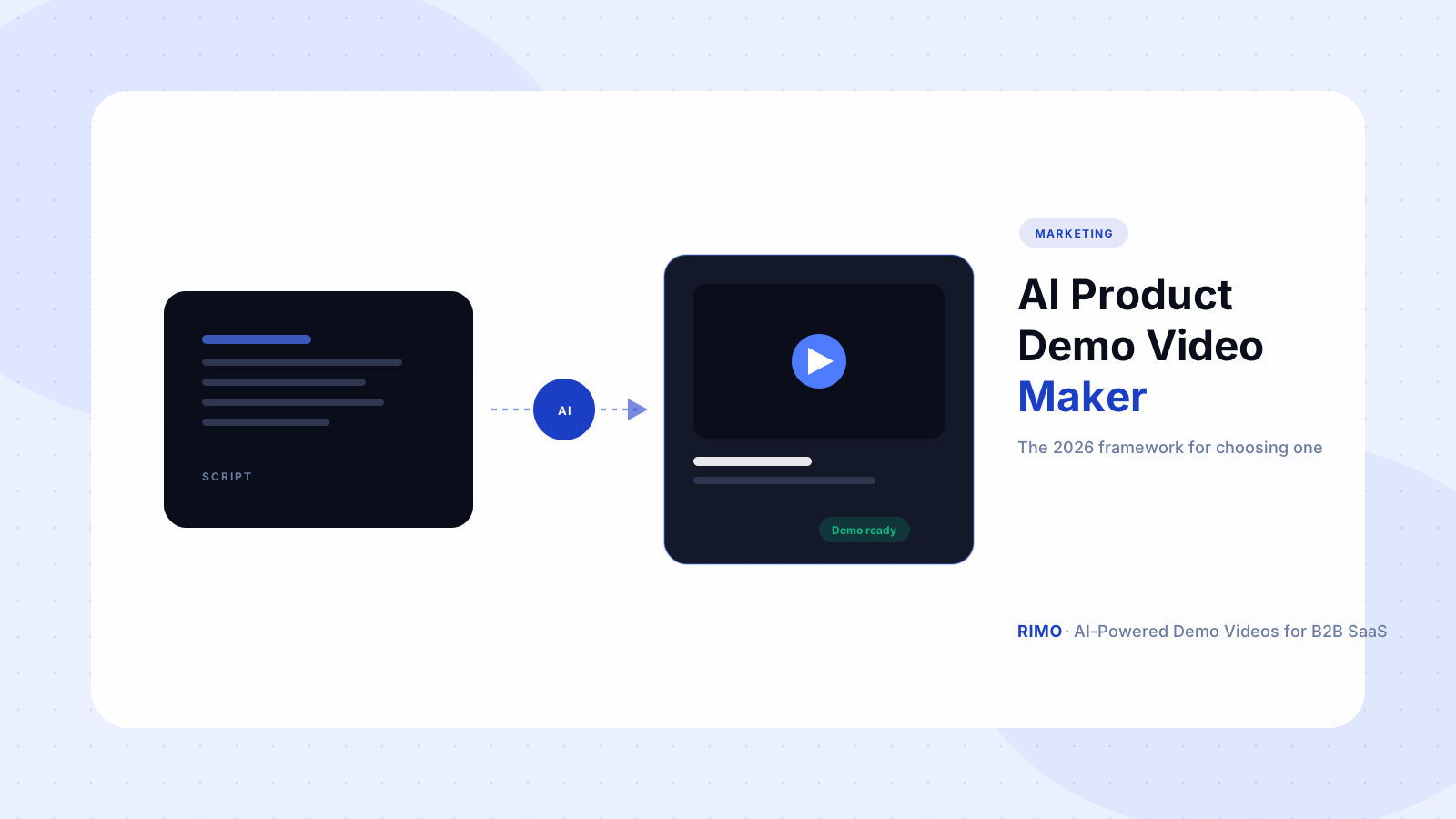
An AI product demo video maker is software that turns a product script, screen recording, or feature brief into a finished demo video — voiceover, captions, on-screen highlights, and edits included — without a video editor or production agency in the loop.
That sounds like a single category. It isn't. "AI product demo video maker" has become a catch-all term that vendors apply to three structurally different products: tools that generate an AI avatar to present your product, tools that record your screen and use AI to edit the footage, and tools that generate a narrated walkthrough from a script and your product's actual UI. Each does something genuinely useful. None of them do all three things well.
Here's the distinction that matters most, and it's the one most comparison articles skip: a product demo video has one job — show a specific buyer that your product solves their specific problem, using the real product. An avatar narrating feature bullet points in front of a generic dashboard mockup is a video. It is not a demo. The "AI product demo video maker" you need is the one that keeps the real product on screen.
Why every B2B SaaS team suddenly needs one
Two things changed at once, and most marketing teams are still catching up to the second one.
The first is the buying process itself. According to Gartner's 2026 B2B sales survey, 67% of buyers now prefer a rep-free experience, and 45% used AI tools during their most recent purchase, drawing on an average of seven information sources before talking to a salesperson. A demo video isn't a supporting asset anymore — for most of your pipeline, it's the first (and sometimes only) hands-on impression of your product.
The second is internal capacity. Wistia's 2025 State of Video report found 71% of companies now produce video in-house, but headcount for video specifically hasn't grown to match. PMMs, growth marketers, and sales engineers are the ones being asked to "just make a quick video" — on top of everything else on their plate.
Here's the part that surprises people: the bottleneck was never the recording. Most teams can capture a screen recording in ten minutes. The bottleneck is everything after — scripting, voiceover, editing out the dead air, adding captions, exporting in the right aspect ratio for LinkedIn vs. the website vs. a sales email. An AI product demo video maker that doesn't address that "everything after" step isn't actually solving the problem, no matter how good its recording feature is.
The 3 types of AI product demo video makers
This is the breakdown that most "best tools" listicles flatten into one big table. They're not interchangeable, and picking the wrong category wastes more time than picking the wrong vendor within the right category.
Avatar-led AI video generators
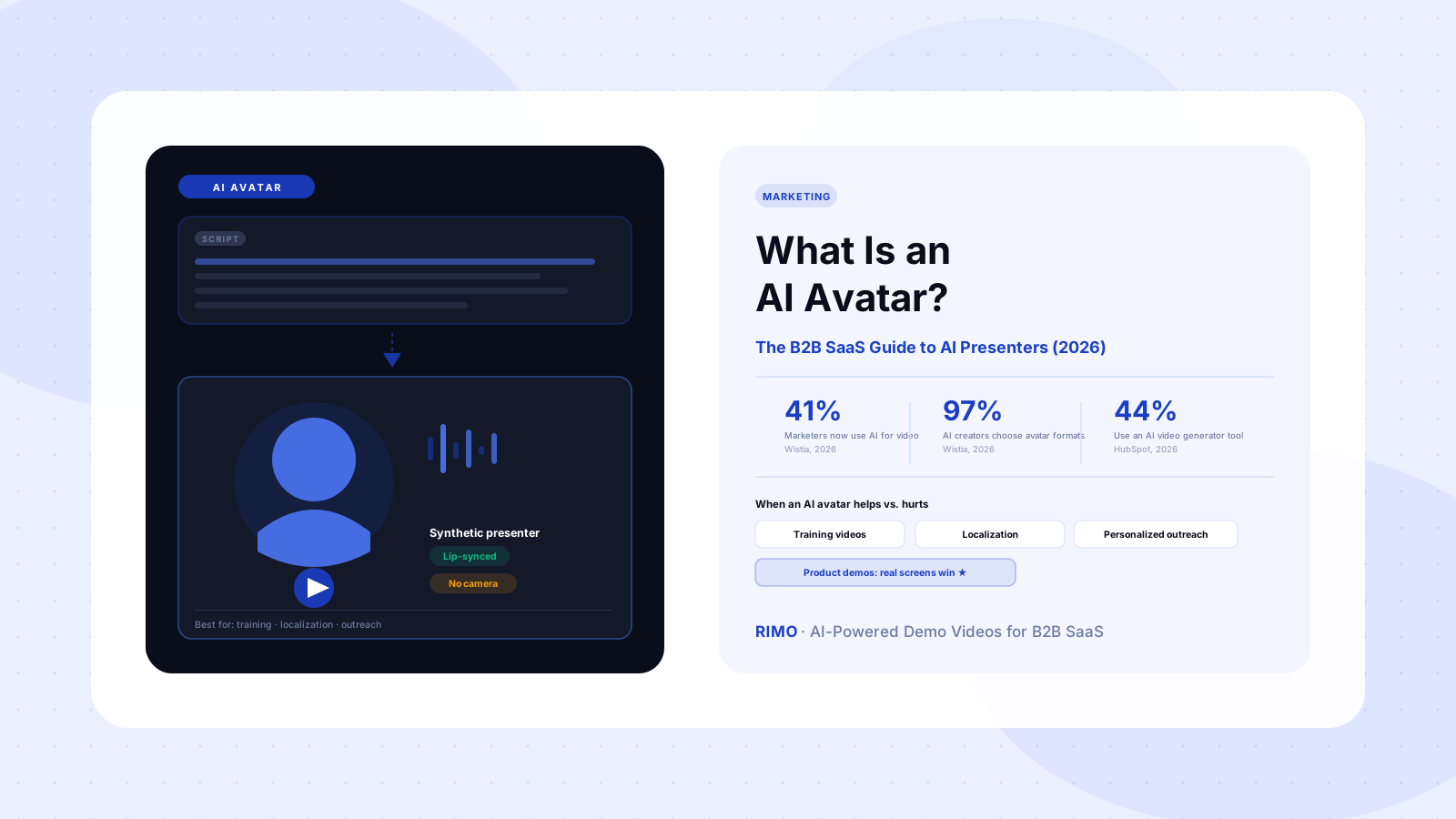
Tools like Synthesia and HeyGen generate a video of a digital presenter speaking your script, usually layered over slides or screen captures. They're genuinely strong for training content, internal comms, and localization — HeyGen alone supports 175+ languages.
For product demos specifically, G2 reviewers are blunt about the limit. Synthesia's most-mentioned negative tags on G2 are "Avatar Limitations" (443 mentions) and "Limited Avatars" (384 mentions) — reviewers consistently note that after 60–90 seconds, an avatar's pauses and gestures start to feel repetitive. For a prospect deciding whether your product is worth a trial, that's a credibility tax you don't need to pay.
AI-assisted screen recording tools
This is the category most people think of first: Loom, Tango, Storylane, and similar tools that capture your screen and apply AI to trim silences, add captions, or generate step-by-step guides. Storylane is the highest-rated demo platform on G2 (a 99 satisfaction score across 1,400+ reviews), and it's excellent at what it's built for — interactive, click-through product tours.
But over 80 G2 reviews flag the same ceiling: limited customization once you're past the basic template, and — notably — no native AI voiceover or video generation. If your ask is "a video file I can post on YouTube, embed on a landing page, or attach to a sales email," a tool built around interactive HTML tours isn't the right fit, even if it's the right fit for your in-app onboarding flow.
AI-narrated product walkthrough generators
The third category — and the one purpose-built for the "demo video" use case — takes a script or brief, uses your actual product UI (real screens, real data, real workflows), and generates a fully edited video maker with voice over output including AI voiceover, pacing, and captions. This is where Rimo sits.
The difference isn't cosmetic. An avatar tool generates a presenter. A screen recorder captures what happened. An AI-narrated walkthrough generator builds the video around what you want to show — meaning you can localize it, regenerate it when the UI changes next sprint, and produce a 30-second cut for ads and a 3-minute cut for a sales follow-up from the same source material.
See how Rimo turns a product script into a finished demo video — real UI, AI voiceover, ready in hours. See how Rimo automates this → Start free
What to look for before you buy an AI product demo video maker
Most evaluation checklists focus on output quality — voice realism, caption accuracy, export resolution. Those matter, but they're table stakes now. The criteria that actually predict whether a tool earns its renewal are different.
Update frequency, not just creation speed. Your product UI changes every sprint. A demo video maker that takes two hours to produce a first draft but four hours to update an existing video when a button moves isn't actually fast — it's fast once. Ask vendors specifically about re-rendering an existing video after a UI change.
Where the "AI editing" actually lives in the pricing tiers. A recurring G2 complaint across AI video tools is that the genuinely useful editing features — branching, scene swaps, advanced voice controls — sit behind the highest-priced plan, while the entry tier gets a watered-down version that can't produce publishable output. Read the pricing page like a contract, not a feature list.
Whether you can prove it worked. This is the one nobody asks about, and it's the most important. Across G2 reviews of AI video tools, only 4.8% of reviewers mention any ROI metric — time saved, demos requested, deals influenced. If a tool doesn't make it easy to track where the video is used and what happened after, you'll be back in the same "does this tool actually help" conversation at renewal time with no data to support keeping it.
Here's the contrarian take: the tool with the most impressive demo video in its own marketing is often the worst predictor of fit. Polished marketing demos are usually produced by the vendor's in-house team using every advanced feature, most of which sit on a plan tier you won't buy. Ask for a sample made by a new user on the plan you'd actually purchase — that's the honest preview.
AI product demo video maker vs. demo video generator vs. interactive demo tool
These three terms get used almost interchangeably in vendor marketing, and the overlap causes more wasted evaluation cycles than any feature gap.
An AI demo video generator is scoped to the sales evaluation moment — it has to show the real product because a buyer is deciding whether to trust what they're seeing. An AI product demo video maker is the broader category that includes demo video generators but also covers product marketing use cases: launch videos, feature announcement clips, onboarding tutorials. An interactive demo tool (Storylane, Navattic, Arcade) produces a click-through experience, not a video file — useful for self-serve trials, but it can't be dropped into a YouTube ad or an email attachment.
The practical takeaway: if the deliverable needs to be a video file that plays anywhere — website, LinkedIn, sales email, YouTube — you need a video maker, not an interactive tour builder. If the deliverable needs to let a prospect click around themselves, you need the reverse. Most teams need both, and trying to force one tool to do the other's job is the single most common mismatch in this category.
How to create a product demo video with AI in 5 steps
This is the part most guides skip, because most guides are written by people comparing pricing pages, not people who've actually shipped a demo this week.
- Write the brief, not the script. Start with who's watching and what they need to believe by the end — "a technical evaluator needs to see the API integration takes under 10 minutes." A good demo video script template starts from the buyer's job, not a feature list.
- Record or connect the real product. Whether you're capturing screens manually or connecting the tool directly to your app, the footage has to be the actual product — current UI, real data (anonymized where needed), real workflows.
- Generate the narration. AI voiceover should match your brand's tone — and ideally let you regenerate just the lines that change, not the whole track, when you update a section.
- Edit for the specific use case. A 30-second version for paid social and a 3-minute version for a sales follow-up email are different videos with different pacing, not the same video trimmed.
- Publish, tag, and set a refresh trigger. Tag the video with the feature or release it covers so that when that feature changes, you know exactly which videos need a refresh — this is the step that prevents your demo library from going stale six weeks after launch.
In practice, teams using AI-narrated walkthrough generators get from step 1 to a publishable draft in under a day — often under two hours for a straightforward feature update. That's the benchmark to hold any tool to: not "can it make a video," but "can it make this week's video by Thursday."
Mistakes that turn a good tool into a bad demo
Even the right AI product demo video maker produces a bad result if the team using it repeats these patterns.
- One video, every audience. The same demo sent to an enterprise IT buyer and a startup founder shows sections neither of them cares about. If your tool supports modular sections, use them — record once, assemble differently per segment.
- Showing the roadmap instead of the product. AI tools make it tempting to generate a polished video of a feature that's "basically done." Buyers remember what they were shown. If it's not shipped, it's not in the demo.
- Treating voiceover as an afterthought. A flat, monotone AI voice over a beautifully recorded screen flow is jarring — viewers notice the mismatch even if they can't articulate why. Match the AI voice over style to your brand voice deliberately, the same way you'd brief a human narrator.
- No refresh process. This is the silent killer. A demo video that was accurate at launch and inaccurate three sprints later doesn't just look outdated — it actively damages trust when a prospect notices the UI doesn't match.
How to measure whether it's actually working
Go back to the 4.8% statistic from earlier — almost nobody measures this, which means almost nobody can defend the renewal when budget season comes around.
Three numbers are enough to start: video completion rate (are people watching past the first 20 seconds, which tells you if the opening hook works), demo-to-meeting conversion for prospects who watched vs. didn't, and time-to-first-draft for your team (the number that justifies the tool internally, separate from buyer-facing impact). For a deeper breakdown of attribution models and how to present this to leadership, see our guide on measuring product demo video ROI.
One nuance worth flagging: completion rate matters less than where people drop off. A 45% completion rate on a 3-minute video where everyone drops at the same 90-second mark tells you exactly which section to fix. The same completion rate with drop-off spread evenly throughout usually means the whole video is too long, not that one section is broken.
The "AI product demo video maker" category is crowded because the term covers three genuinely different tools, and most of the noise in comparison content comes from treating them as one. Pick based on the deliverable you actually need (a video file vs. an interactive tour), the update cadence your product demands, and whether the tool can prove it worked. If what you need is a video that uses your real product, with AI voiceover and the ability to refresh it as fast as your UI changes, that's the exact gap Rimo was built to fill.
Try Rimo free and turn this week's feature update into a published demo video before Friday.
FAQ
What is an AI product demo video maker?
An AI product demo video maker is software that converts a script, brief, or screen recording into a finished demo video — including AI voiceover, captions, and edits — without requiring a dedicated video editor. The best ones for B2B SaaS keep your actual product UI on screen rather than substituting an avatar or generic mockups.
How much does an AI product demo video maker cost?
Pricing ranges widely: avatar-based tools like Synthesia and HeyGen start around $18–24/month for individual creators, while team-focused AI demo video platforms typically run $50–300/month depending on seats and video volume. Watch for tools that gate the actual editing features behind their highest tier — the entry plan price often isn't the price you'll need to pay to get a publishable output.
Can AI product demo video makers use my actual product UI, or just avatars?
It depends on the category. Avatar-led tools (Synthesia, HeyGen) generate a presenter and typically pair it with slides or static screenshots. AI-narrated walkthrough generators, including Rimo, build the video around your real product UI and live workflows — which matters most when the viewer is evaluating whether the product actually works as described.
What's the difference between an AI product demo video maker and a screen recorder?
A screen recorder captures what happens on your screen as raw footage that still needs editing, voiceover, and captions added afterward. An AI product demo video maker takes that further — or replaces the manual recording step entirely — by generating the narration, pacing, and final edited output automatically from a script or brief.
How long does it take to make a demo video with AI?
For a straightforward feature update, teams using AI-narrated walkthrough generators typically go from brief to publishable draft in under two hours, and a more involved multi-scene demo in under a day. Traditional agency production for the same video usually takes four to six weeks.
Is Rimo a good AI product demo video maker for B2B SaaS teams?
Yes — Rimo is built specifically for B2B SaaS product and marketing teams who need demo videos that show the real product, with AI voiceover, fast turnaround, and the ability to refresh a video quickly when the UI changes. It fits the "AI-narrated product walkthrough" category described in this guide, which is the category built for accurate, sales-ready demo videos rather than avatar presentations or interactive tours.
Tags: AI product demo video maker, AI demo video generator, demo video software, B2B SaaS, product marketing, sales enablement Blog Category: Marketing Related posts: What Is a Product Demo Video?, AI Demo Video Generator: The B2B SaaS Sales Team's Guide (2026), SaaS Demo Video Best Practices: The 2026 Playbook Schema: Article, FAQPage
Akshay Sharma
Product Leader · 10+ years in B2B SaaS
Akshay has spent 10+ years building and marketing B2B SaaS products. He writes about product storytelling, demo production, and the operational side of product marketing.