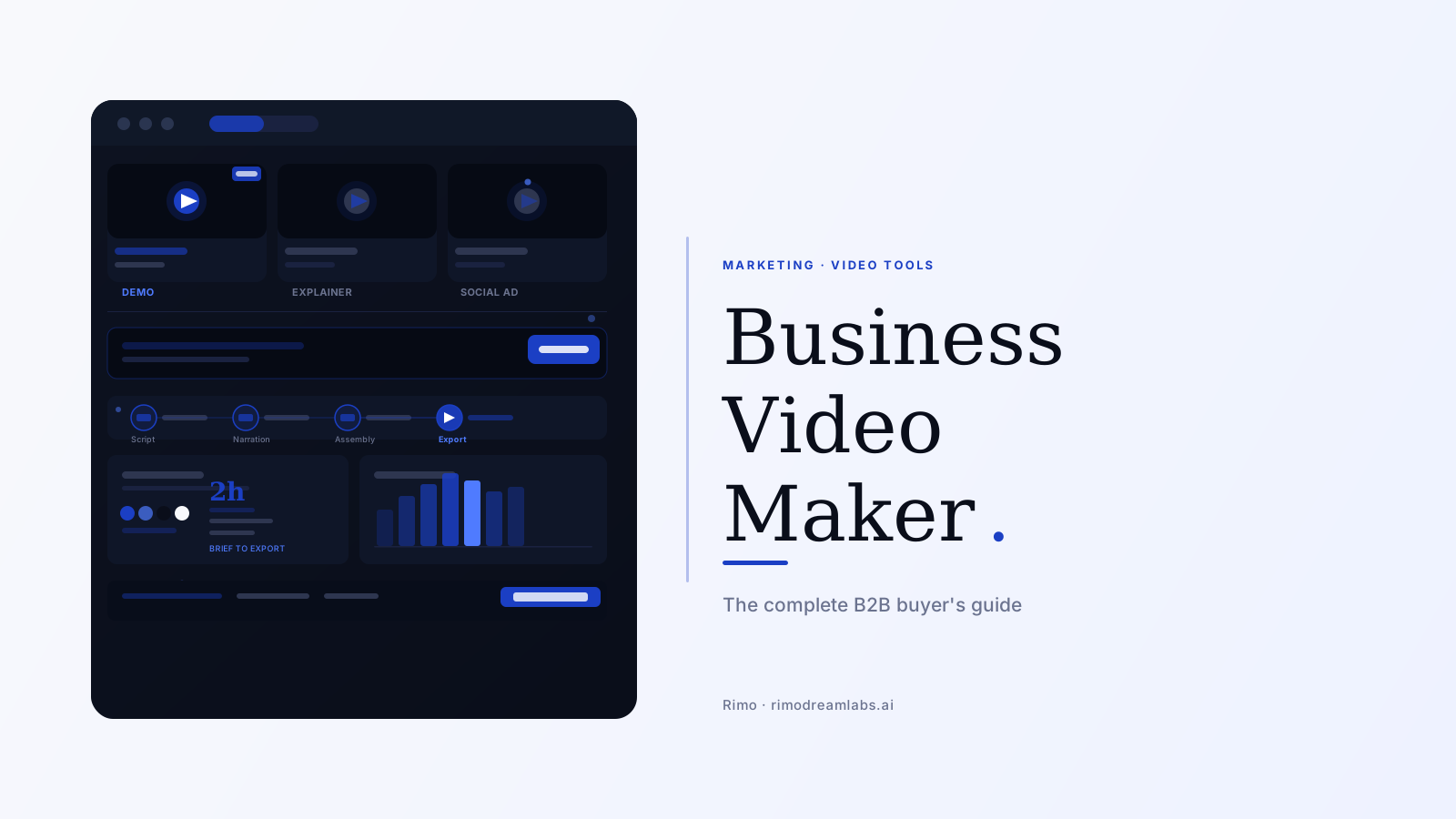
What Is a Business Video Maker? The Complete B2B Guide
You have a product worth buying. Your website says so. Your sales deck says so. Your customers say so — occasionally, in Slack messages you screenshot and save for morale on rough Tuesdays.
What you don't have is a video that actually shows it.
Not the one from 2024 that no longer reflects the current UI. Not the screen recording your AE made at 10 PM before a big meeting. Not the animated explainer your design contractor produced for $3,000 that technically covers the product but feels like no real customer has ever used it. A business video maker is supposed to solve this. But the category is much wider — and much more uneven — than it looks from the outside, and choosing the wrong type means spending budget and organizational credibility on a tool that produces content nobody actually uses.
This guide explains what a business video maker is, how the category splits into six meaningfully different tool types, and how to evaluate one against the videos your team actually needs to make.
In this guide
What is a business video maker?
A business video maker is a software platform designed for professional teams to plan, produce, and distribute video content for commercial purposes — without requiring a dedicated production crew or a video production agency.
The phrase "for commercial purposes" is doing a lot of work in that definition. Consumer video tools — CapCut, iMovie, TikTok's native editor — are technically capable of producing video. What separates a business video maker is the set of requirements it was built around: brand governance, team collaboration, enterprise-grade output quality, and video formats that serve the buyer journey rather than the social feed.
According to Wyzowl's 2026 State of Video report, 91% of businesses now use video as a marketing tool — an all-time high. More telling: 59% of those businesses produce video entirely in-house, which means the majority of companies are already using some version of a business video maker, even when they wouldn't describe it that way.
How a business video maker differs from a general video editor
Most buying decisions in this category go wrong before the first tool evaluation begins — not because buyers choose the wrong product, but because they start with the wrong mental model.
A business video maker is not a video editor with business-friendly templates. The distinction runs deeper than that. A general video editor (Premiere Pro, DaVinci Resolve, Final Cut Pro) is a production tool designed for trained editors who want precise control over every frame. It produces professional output. It does not enforce brand guidelines, has no concept of what a product demo is, and requires an operator with genuine expertise to produce anything usable.
A business video maker is a production system. It is built around specific business video formats — product demos, explainer videos, training content, social ads — and automates the production decisions that don't require creative judgment: brand enforcement, narration timing, caption placement, multi-format export. The target user is a product marketer, a sales manager, or a content lead who needs a finished video by Thursday, not a trained editor with 20 hours to spend.
Here is the counterintuitive part: the best business video makers produce less flexible output than a general editor — and that constraint is intentional. When every production decision lives inside a brand-enforced template, the output is consistent across five producers and fifty videos. Flexibility introduces variation. In a business context where brand consistency and production speed both matter, constrained tools often outperform flexible ones.
The business video maker category spans from lightweight social template tools all the way to full AI production platforms that take a written brief and produce a finished product demo. Understanding where a tool sits in that range — and whether that position matches your actual use case — is what this guide is for.
The 6 types of business video maker
Not every business video maker is built for the same job. The six types below represent meaningfully different tools, with different production workflows and different output requirements.
1. Template-based social video tools
Canva Video, Adobe Express, and Promo.com are the most widely used tools in this category. They're excellent for social media content: post-sized clips, branded announcement videos, animated quote cards. They're fast, require no editing experience, and produce content that looks polished in a social feed.
They have a hard ceiling for B2B use cases. A social template tool cannot produce a credible product demo because it has no framework for what a product demo should actually show. It produces attractive motion graphics. That's a genuinely different deliverable.
Best for: Social media content, announcement clips, lightweight brand content.
2. Screen recording tools with editing layers
Loom, Vidyard, and Screencastify live here. They capture your screen in real time and add lightweight editing on top. They're genuinely the right tool for async internal communication, quick customer walkthroughs, and support explainer content.
The complaint that appears most consistently in G2 reviews of this category — across 147 separate Loom reviews alone — is recording failure: frozen sessions, audio sync drift, failed uploads. That failure mode is not a bug to be patched; it's a category characteristic. Every live-capture tool is only as reliable as the session it recorded. If a recording goes wrong, you re-record. For screen-recorded product demos, this matters more than most tool evaluations acknowledge.
Best for: Async communication, quick customer walkthroughs, informal support content.
3. AI avatar video makers
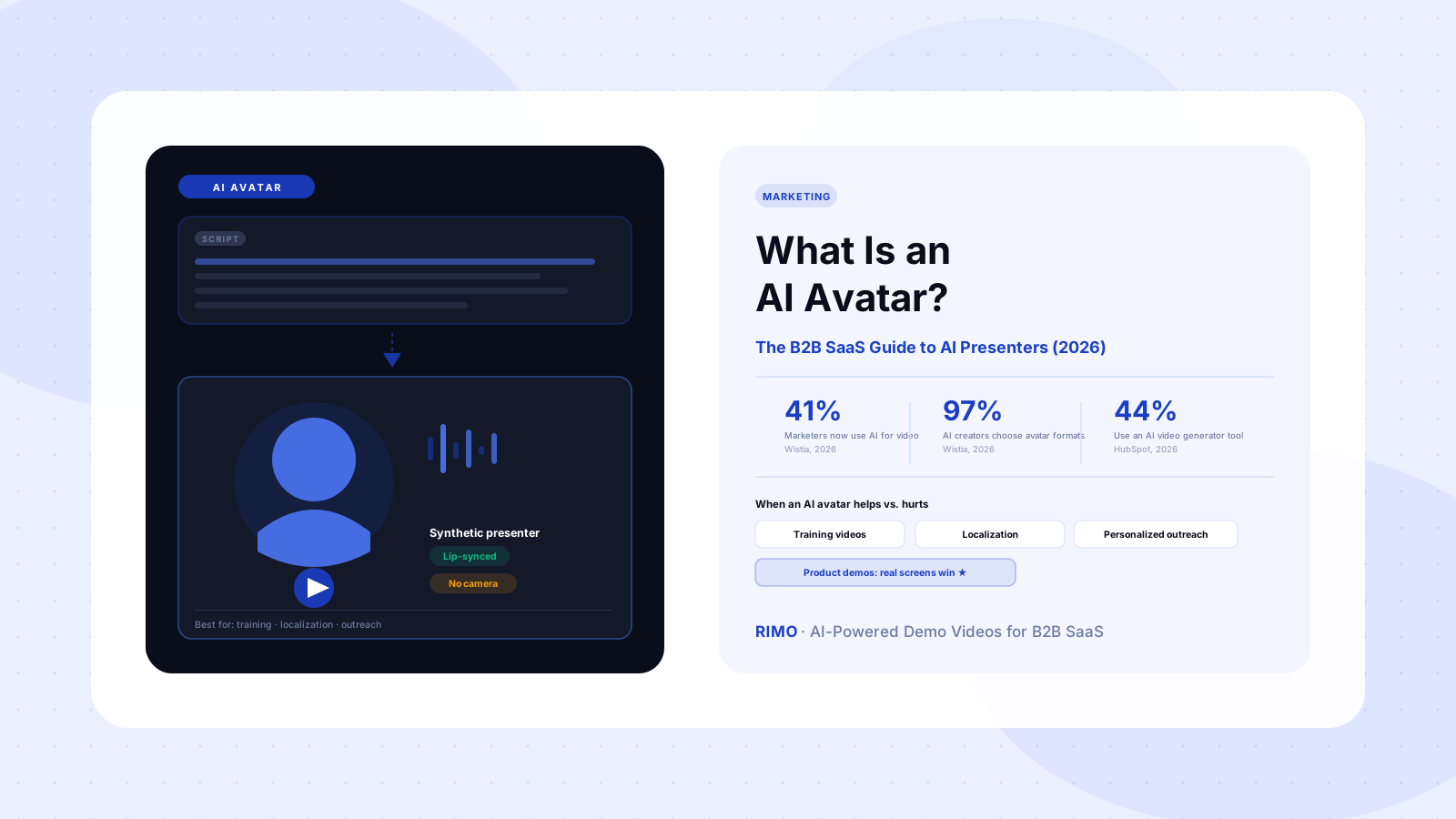
Synthesia, HeyGen, and D-ID produce videos featuring AI-generated human presenters delivering your script. These are effective for enterprise training, HR communications, and multilingual distribution — HeyGen supports 175+ languages with lip-synced narration, which is genuinely valuable for global teams.
The pricing structure G2 reviewers flag most often in this category is credit expiry: unused production minutes reset monthly, creating a cost structure that penalizes teams with uneven production volumes. Before committing to a platform here, evaluate whether the pricing model matches your actual quarterly production cadence, not your projected first-month output.
Best for: Training videos, HR communications, multilingual content at scale.
4. Script-to-video platforms
These platforms take a written script and assemble a finished video from product assets, narration, and brand elements — without a live recording session. The output is consistent, brandable, and updatable without reshooting.
For B2B video marketing teams that already write scripts well but struggle to convert them into finished video efficiently, this is often the highest-leverage category. The production gap between "script approved" and "video exported" shrinks from weeks to hours. The script-to-video workflow is particularly well-suited to demo videos and feature walkthroughs where the narrative structure is clear but the production execution is the bottleneck.
Best for: Product demos, feature walkthroughs, onboarding sequences with predictable narrative structures.
5. Full AI production platforms
The newest and fastest-growing category: platforms that handle the entire pipeline from brief to finished video using AI at every layer. You provide a product brief, a set of product screenshots, or a URL. The platform generates the script, synthesizes the narration, assembles the visual sequence, enforces your brand kit, and exports in multiple formats.
For teams producing more than ten videos per quarter across multiple personas and use cases, this is where the productivity math changes most dramatically. Brief to draft in two hours. Update in 20 minutes when the product ships a change.
Best for: High-volume B2B SaaS teams producing demos, explainers, and persona-specific assets at scale.
6. Enterprise video management platforms
Brightcove, Kaltura, and Vimeo Enterprise are primarily video management platforms with production capabilities as a secondary feature. Their strength is hosting, access control, viewer analytics, and integration with enterprise CRM and marketing automation stacks. Their weakness is production speed — they're built to manage video libraries, not to generate new video content quickly.
These make the most sense as a second layer on top of your primary production tool, not as a replacement for it.
Best for: Enterprise video distribution, secure internal video hosting, deep analytics integration.
What B2B teams actually use them for
Business video demand in a B2B company doesn't arrive in one format. It arrives in layers: product demos for the website, explainer clips for the onboarding flow, case study videos for sales decks, social ads for LinkedIn campaigns, training content for new customers, and personalized follow-up videos for enterprise outbound sequences.
According to Wyzowl's 2026 data, 73% of B2B decision-makers prefer watching a product demo video to reading a whitepaper or product description when evaluating a solution. The same research shows 96% of B2B buyers regularly consume video content during purchase research. Video is not a nice-to-have in B2B buying; it's how most buyers actually evaluate vendors today.
The production problem most companies face isn't motivation — it's capacity. A team producing three or four videos per quarter via a fragmented stack of tools (screen recorder, then audio editor, then Slack approvals, then video editor, then export tool, then hosting upload) cannot realistically scale to the volume that a multi-persona, multi-stage video library requires. The coordination overhead compounds with every video.
A business video maker built for B2B workflows replaces that fragmented stack with a single production system. That's the shift that enables a team to go from four videos per quarter to forty without adding headcount. Automating demo video creation is one clear expression of this — instead of recording and editing each demo separately, a production system handles the workflow and updates the output when the product changes.
The video types B2B teams use business video makers to produce most often, in order of volume:
- Product demo videos — the highest-stakes format; what appears on your homepage, in outbound sequences, and in evaluation packets
- Feature walkthrough videos — shorter than a full demo; covers one workflow or use case in 60–90 seconds
- Customer testimonial and case study videos — proof content for mid-funnel evaluation stages
- Training and onboarding videos — post-sale content that lives in help centers and onboarding flows
- Sales outreach videos — personalized 1:1 clips for prospecting and follow-up
- Social and ad creative — short-form content for LinkedIn, YouTube pre-roll, and paid campaigns
How to choose a business video maker
Five evaluation criteria consistently separate business video makers that work from those that look compelling in a 30-minute vendor demo and disappoint in actual production.
1. Does it handle your primary video format? Every business video maker has a strongest use case. Template tools are best for social content. Avatar platforms are best for training. AI production platforms are best for product demos. The mistake is choosing the tool with the most features overall rather than the one that handles your highest-volume format at the highest quality. Be specific about what you produce most.
2. How fast from brief to finished video? This is the most important number and the hardest to evaluate without a trial. Give the tool a real brief — a specific feature, a specific persona, a specific use case — and measure time from brief to export-ready output. The gap between platforms is routinely two hours versus two weeks. That difference determines whether your video program keeps pace with your product or lags behind it permanently.
3. Can it show your actual product? For any company selling software, the most important thing a video can do is accurately represent how the product works. AI tools that generate synthetic visuals or rely on stock footage cannot produce screen-accurate walkthroughs. This is not a quality difference — it's a category mismatch. Before evaluating output quality, verify whether the tool works from real product content.
4. What does brand enforcement look like in practice? When multiple people are producing videos, brand consistency cannot depend on individual memory or discipline. A business video maker worth the investment enforces fonts, colors, logo placement, and intro/outro sequences at the template level — so every video is on-brand by default, not by sustained personal effort. Ask to see how the tool handles brand governance for a five-person team with different experience levels.
5. How does it handle product updates? When your product ships a UI change, how much of the existing video library needs to be rebuilt? Tools that require full re-recording on every product change keep your video library permanently behind your product. Scene-level editing — updating one part of a video without touching the rest — is the capability that determines whether a video program stays useful at month twelve or quietly collapses.
See what a purpose-built business video maker looks like
Rimo turns a plain-English brief into a finished product demo — real screens, AI narration, your brand kit. No editor. No agency. Under two hours.
The ROI problem nobody talks about
Here is the uncomfortable reality about business video programs: only 4.8% of business video tool reviewers on G2 can quantify the ROI of their current setup (G2 review analysis, 2026). That statistic doesn't mean video isn't working. It means most teams can't measure whether it's working — and if you can't measure it, you can't defend the budget to do more of it.
The ROI measurement problem has two causes.
First, fragmented production workflows make attribution nearly impossible. When a video is produced across four tools, hosted on a fifth, and distributed from a sixth, there is no single system tracking the path from production effort to pipeline impact. You know the video was watched. You don't know whether it influenced a deal, shortened an evaluation cycle, or deflected a support ticket.
Second, most teams define video success by production metrics — videos made, views generated — rather than business metrics. Views are not pipeline. A thousand views on an explainer video that no qualified buyer watched doesn't move revenue. The metric that matters in B2B is whether the right buyer, at the right stage of their decision, consumed the right content and took a meaningful next step. That requires a production system with attribution built in, not just a tool with an export button.
A unified marketing video maker platform makes the full production-to-distribution cycle traceable. Brief to script to production to publish to view time to downstream action — in one system. That traceability is what converts a video production budget from a faith-based expenditure into a defensible revenue investment. Without it, the video program is always one budget cycle away from being cut.
How AI is reshaping the business video maker category
Two years ago, AI in business video production meant auto-captions and background noise removal. The category has moved significantly further since then.
The global AI video generator market was valued at $788.5 million in 2025 and is projected to reach $3.4 billion by 2033, growing at a CAGR of 20.3% (Grand View Research). That growth rate reflects a shift in what AI can actually do in a production pipeline — not just process video, but generate it from scratch.
The best AI-powered business video makers now handle the full production chain: generating a complete voiceover script from a two-sentence product brief; synthesizing natural-sounding narration with product-accurate terminology; assembling screen captures, brand elements, and motion graphics into a timed visual sequence; automating editing decisions; and producing multi-format exports from a single production session.
For B2B teams, this changes the unit economics of video production. A team limited to four videos per quarter by editor bandwidth and voiceover scheduling can now produce substantially more without adding headcount. The production constraint shifts to a strategic one: which videos should we make next, for which persona, at which stage of the buyer journey?
That shift is counterintuitive. Most conversations about AI video tools focus on speed. But the more significant benefit isn't faster production in isolation — it's the ability to run messaging experiments that were previously too expensive to run. Produce a product demo with three different hooks, test them against the same audience, double down on what converts. That kind of iteration was economically impossible when each video took three weeks to produce.
The companies with the most active, most current demo libraries in 2026 are not the ones with the largest video production headcounts. They're the ones that replaced a fragmented six-tool stack with a purpose-built AI video maker that handles the full production pipeline from brief to branded export.
AI doesn't fix an unclear video strategy. It amplifies whatever you already have. If you're unclear on who the video is for and what it should make them do, producing it faster just gets you to the wrong answer sooner.
Pick the business video maker that matches the actual job
The category spans from a $9/month social template tool to a full AI production platform built for enterprise B2B marketing teams. Most buyers land in the wrong part of that range because the tools look similar in a 30-minute product demo. The differences surface at video twelve under deadline pressure — or when your product ships a major redesign and you need to update 20 videos before the next campaign launch.
For B2B companies, the right business video maker handles your specific production format at the speed your team needs, enforces brand consistency without requiring constant individual effort, and updates fast enough to stay current with your product and your pipeline.
In the categories where Rimo is not the primary fit — social template content, HR avatar videos, enterprise video hosting — the tools listed in each type above are the right starting points. If you're building a product demo library for a B2B SaaS product and need a fully AI-powered platform that handles screen capture, AI narration, brand enforcement, and multi-format export in a single workflow, that's the use case Rimo was built for.
Build your business video library with Rimo
No production team. No video editor. No weeks of turnaround. A brief, your product, and a finished video your team is proud to publish.
FAQ
What is a business video maker?
A business video maker is a software platform designed for professional teams to create, produce, and distribute video content for commercial purposes without requiring a dedicated production crew or agency. The category includes six main types: template-based social tools, screen recording platforms with editing layers, AI avatar video makers, script-to-video platforms, full AI production systems, and enterprise video management platforms. For B2B SaaS teams, the most relevant types are script-to-video and full AI production platforms, which handle product demos, explainers, and persona-specific assets at the speed modern product marketing requires.
How is a business video maker different from a video editor?
A video editor (like Premiere Pro or Final Cut Pro) is a production tool built for trained editors who want precise creative control. A business video maker is a production system built around specific business video formats — demos, explainers, training content, social ads — and automates production decisions that don't require creative judgment, such as brand enforcement, caption placement, and multi-format export. The target user of a business video maker is a product marketer or sales manager, not a video editor. The target output is a library of consistent, on-brand videos at scale, not a single bespoke production.
What types of videos can a business video maker produce?
Depending on the platform type, a business video maker can produce product demo videos, feature walkthroughs, customer testimonial and case study videos, training and onboarding content, personalized sales outreach videos, and social media and paid ad creative. Not every platform handles all six formats equally well. A social template tool cannot produce a credible product demo. A screen recording tool cannot produce brand-consistent training content at scale. Evaluate each platform against the specific format you produce most, not against the longest feature checklist.
How much does a business video maker cost?
Pricing ranges from approximately $9/month for basic social template tools to $300–$500/month for professional B2B platforms with AI narration, screen capture, and brand enforcement. Enterprise tiers with SSO, team management, and analytics typically start at $500–$1,000/month. The most common pricing trap is credit-based models where unused production minutes expire monthly — G2 reviewers across multiple platforms cite this as a significant frustration. Evaluate pricing against your quarterly production volume across all use cases, not against your planned first-month output.
Can I use a business video maker without video editing experience?
Yes — if the platform automates editing decisions. AI-powered business video makers handle cut timing, transitions, captions, lower-third placement, and multi-format export without manual editing. The workflows that still benefit from a trained editor are high-investment hero productions — homepage redesigns, major brand campaigns — where production quality is itself a competitive signal. For the majority of B2B video use cases: product demos, feature walkthroughs, training content, sales follow-up assets — AI production quality is sufficient, and the speed advantage of not needing an editor is significant.
What is the best business video maker for B2B SaaS?
The best business video maker depends on your primary production format. For product demo videos with real product screens, AI narration, and brand enforcement in a single platform, purpose-built tools like Rimo are designed for this workflow. For training and onboarding content with AI avatar presenters, Synthesia and HeyGen are strong options. For async internal communication and quick screen captures, Loom works well for lower-stakes content. For social media and ad creative, Canva Video and Adobe Express are well-suited at lower price points. Choose based on the format you produce most at the highest volume — not the tool with the longest feature list.
Akshay Sharma
Product Leader · 10+ years in B2B SaaS
Akshay has spent 10+ years building and marketing B2B SaaS products. He writes about product storytelling, demo production, and the operational side of product marketing.