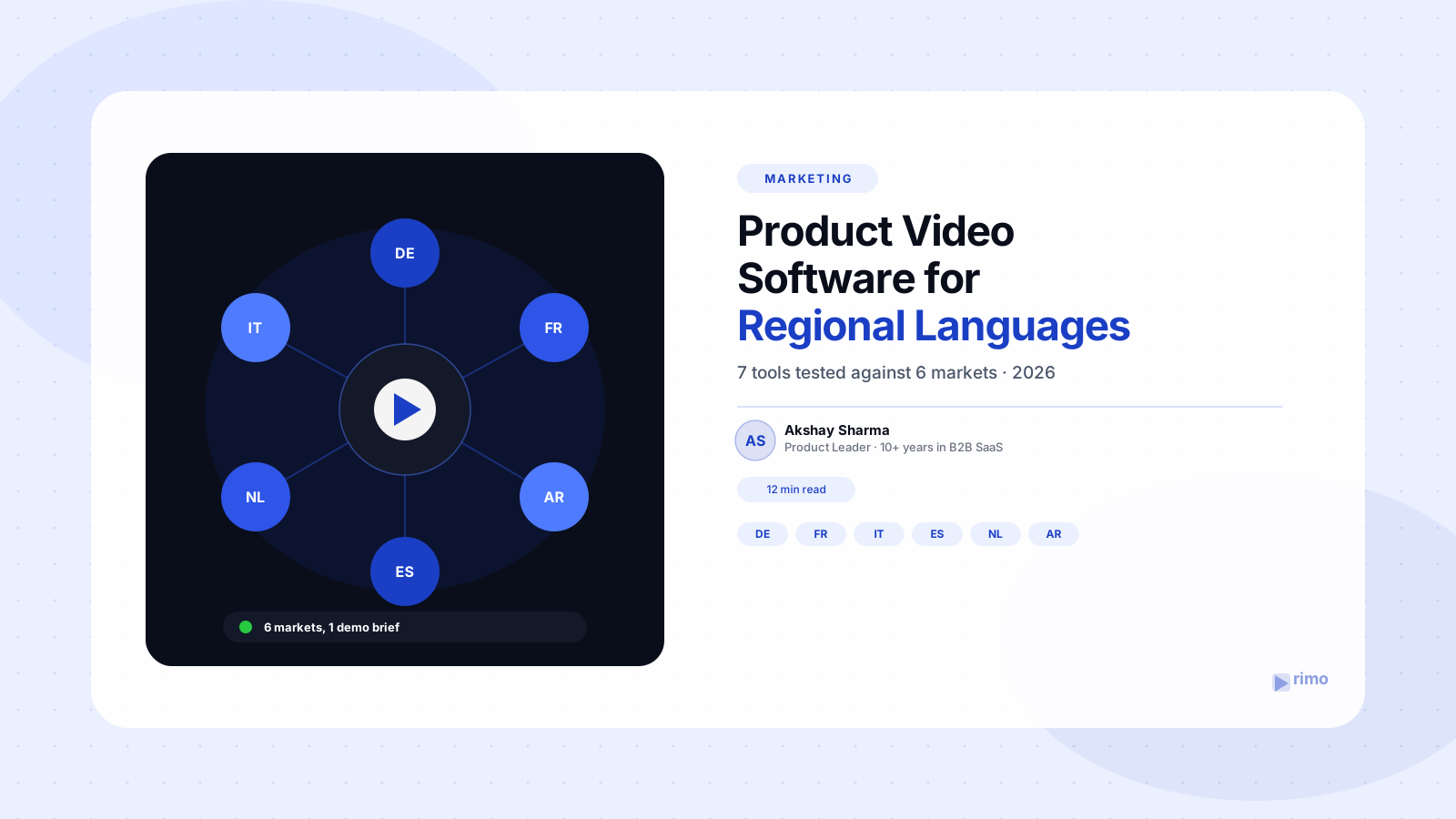
The Best Product Video Software for Regional Languages: 7 Tools Tested Against 6 Markets
Your VP of Sales just closed a pilot with a manufacturing company in Stuttgart, and the first thing their buying committee wants is "the demo video, but in German." You say yes before checking how. Three days later you're staring at a dubbed voiceover that mispronounces your product name and a set of German captions that overflow the video frame because German sentences run 30% longer than English ones.
That scramble repeats itself every time a deal moves into a new region — Paris this quarter, maybe Dubai next quarter — and most teams pick their product video software for regional languages the same way: whichever tool has the biggest language number on its homepage, dub the existing English recording, and hope nobody on the buying committee notices the lip movements don't match the audio.
This guide skips the marketing-page language counts and tells you what actually breaks when you localize a demo video — based on real G2 complaints from teams that already tried this — plus a language-by-language checklist for the six markets B2B SaaS teams localize into most: German, French, Italian, Spanish, Dutch, and Arabic. You'll leave knowing which product video software for regional languages actually holds up past the first regional deal, not just which one has the longest language list.
In this guide
- What product video software for regional languages actually needs to do
- Voiceover, dubbing, subtitles, and UI localization aren't the same job
- Why localized product video matters more in 2026
- What G2 reviewers say the big multilingual tools get wrong
- The 7 best product video software for regional languages (tools compared)
- A language-by-language checklist: German, French, Italian, Spanish, Dutch, and Arabic
- Dubbed after the fact vs. generated natively: the real quality driver
- How to choose, by budget and team size
- FAQ
What product video software for regional languages actually needs to do
Most vendor pages advertise a single number — "170+ languages" — as if localization were one feature. It isn't. A product demo video that actually works for a regional buyer needs four separate jobs done correctly, and most tools only do one or two of them well.
Voiceover, dubbing, subtitles, and UI localization aren't the same job
Voiceover is narration recorded or synthesized directly in the target language, timed to a script written for that language — not translated word-for-word from English. Dubbing replaces the audio track of an existing recording with a new-language track, ideally lip-synced to the speaker's mouth movements if a presenter is on screen. Subtitles or captions are the text layer, and they carry their own timing and line-length rules per language. UI localization is the part almost every "multilingual video" tool ignores: the on-screen product interface, cursor callouts, and text labels in a screen-recorded demo stay in English even after the narration gets dubbed into German.
A tool can nail dubbing and still ship a demo video where the narrator speaks fluent French over a product UI that's entirely in English — which, to a French buying committee, looks less like localization and more like an afterthought. If your demo relies on AI voice over for narration, that same script is the thing that needs adapting per language, not just translating.
Why localized product video matters more in 2026
The business case for regional-language video isn't a nice-to-have anymore — it's showing up directly in conversion data and in law.
CSA Research's long-running "Can't Read, Won't Buy" study found that 40% of consumers will not buy from a website that isn't in their language, and 65% convert more often when product information is presented in their native language (CSA Research, "Can't Read, Won't Buy"). A product demo video is product information — arguably the highest-intent piece of it.
Vidyard's 2025 Video in Business Benchmark Report, built from an analysis of more than 940,000 customer-created videos, found that AI dubbing and lip-sync cut localization costs by roughly 90% compared to re-recording with studio talent per market, and that AI-personalized video sees 4.5x higher click-through than generic, single-language video (Vidyard, 2025 Video in Business Benchmark Report). That cost collapse is exactly why "localize the demo for this one deal" has gone from a six-week agency project to a same-week ask from sales.
The legal side moved too. The European Accessibility Act, in effect since June 2025, requires captions and audio descriptions on business video content to exist in the language of each EU market the content reaches — not just English with subtitles bolted on — a requirement we cover in full in our product demo video accessibility guide. A German caption track isn't optional anymore if your homepage demo is visible to a visitor in Munich.
What G2 reviewers say the big multilingual tools get wrong
Here's what nobody's marketing page tells you: the language count is rarely where multilingual video tools actually fail. It's the mechanics underneath it.
Synthesia reviewers on G2 report that its content moderation system flags legitimate business content — healthcare, biotech, and compliance material especially — with manual review taking 12 to 24 hours and no clear appeal process, which is a brutal delay when a regional deal is moving fast (G2, 2026). Reviewers also flag that entry-tier minute caps run out quickly: a plan advertised around 10 minutes a month disappears fast when a single training or demo video runs 3–5 minutes per language (G2, 2026).
HeyGen earns strong marks for AI avatar realism and language breadth, but reviewers report inconsistent lip sync, noticeably weaker output quality in some less common language pairs, and translations that read as literal, word-for-word conversions rather than natural regional phrasing (G2, 2026). A separate, recurring complaint is billing: users report "unlimited" minute plans quietly becoming capped at 120 minutes a month (G2, 2026).
The lip-sync feature eats double the minutes from our quota, and by around the 90-second mark on a talking-head clip, the mouth movement is noticeably out of alignment with the dubbed audio.
That quote — a paraphrase of a pattern that shows up across multiple Rask AI reviews — points at the deeper issue: Rask AI requires translating and lip-syncing as two separate steps rather than one pass, which slows down multi-language batches and, per reviewer reports, doesn't fully fix the sync drift anyway (G2, 2026). All three of these pain points — moderation delays, opaque minute caps, and imperfect lip-sync — show up in three or more independent reviews each, which is why they're the ones worth planning around before you commit to a tool.
The 7 best product video software for regional languages (tools compared)
With those failure modes in mind, here's how the category actually breaks down. This isn't the same list as our broader best demo video software tools roundup — every tool here is evaluated specifically on regional-language output quality, not general demo production features.
HeyGen — best for enterprise language breadth
HeyGen covers the widest language range in the category (175+ languages and dialects) with batch personalization that lets you generate one master video and swap language, name, or logo per recipient. The tradeoff, per the G2 pattern above: budget for a manual QA pass on lip-sync and on any less common language pair before it ships to a buying committee.
Synthesia — best for AI-presenter demos
Synthesia pairs AI presenters with automatic voiceover dubbing across 140+ languages and accents, plus a built-in AI screen recorder for product walkthroughs. It's a strong fit if your demo format is presenter-led rather than pure screen capture — just plan around the minute caps and moderation review time reviewers flag most often.
Rask AI — best budget entry point, weakest on lip-sync
Rask AI is the lowest-cost option for straightforward AI dubbing and translation, and reviewers consistently praise how easy the interface is to use. It's the tool to skip if lip-sync accuracy on a presenter-facing demo is a dealbreaker — screen-recording-only demos without a visible speaker sidestep the issue entirely.
ElevenLabs Dubbing Studio — best for voice-clone accuracy
ElevenLabs' Dubbing Studio preserves the original speaker's exact voice and delivery style across languages, including multi-speaker videos, which matters when your sales engineer's voice is part of your brand. It covers close to 30 languages — narrower than HeyGen or Synthesia — so check regional coverage before committing if Dutch or a less common dialect is on your roadmap.
Smartcat — best for teams with an existing localization workflow
Smartcat transcribes, AI-translates, and AI-dubs video into 280+ languages, and it's built to plug into localization workflows that already exist for translating your docs, website, or in-app copy. Choose this if your team already has a translation management system and wants video to run through the same pipeline as everything else.
Clueso — best for document-to-video demo localization
Clueso turns existing documentation into demo videos and localizes into roughly 40 languages, with a translation glossary and an AI accuracy check pass built in. It's a strong niche fit for product teams generating how-to and onboarding content from docs rather than screen recordings.
Rimo — best for skipping the dub-after-record problem entirely
Generate the demo natively in each language — not dubbed after the fact
Rimo builds product demo videos from a plain-English brief, and because the video is generated per language rather than dubbed over one English recording, there's no lip-sync drift to fix in post.
Every tool above starts from one English recording and dubs on top of it, which is exactly where the lip-sync and timing problems in the G2 reviews come from. Rimo takes a different starting point: you describe the demo once, and each language version is generated from that brief directly — narration, pacing, and captions built for that language from the start, not stretched to fit an English track. If your team is tired of QA-ing dubbed lip-sync before every regional launch, this is the difference worth testing.
A language-by-language checklist: German, French, Italian, Spanish, Dutch, and Arabic
This is the part most "multilingual video tool" roundups skip entirely — they list a language count and move on. Six languages come up constantly for B2B SaaS teams expanding into DACH, France, Southern Europe, the Benelux, and the GCC, and each one has a specific failure point worth checking before you pick a tool.
- German: Compound words and formal sentence structure run 20–30% longer than the English equivalent, which breaks caption line-length and can push dubbed audio out of sync with on-screen UI callouts timed to the English script.
- French: Formal "vous" phrasing is expected in B2B contexts — a tool that defaults to casual "tu" translation reads as unprofessional to an enterprise buying committee, regardless of how accurate the translation is.
- Italian: Regional accent variation between northern and southern Italy is real, and reviewers note some AI voice models default to a generic accent that sounds noticeably foreign to native speakers.
- Spanish: European Spanish and Latin American Spanish are not interchangeable — vocabulary, verb conjugation, and even product terminology differ, and a tool that only offers one "Spanish" option is guessing which market you meant.
- Dutch: A smaller language means fewer training examples for most AI voice models, so pronunciation of English-derived SaaS terminology (common in Dutch business speech) can come out inconsistently.
- Arabic: Right-to-left (RTL) text layout is the one most tools quietly fail. Dubbed narration alone doesn't help if your captions render left-to-right, or if on-screen UI callouts and text overlays don't mirror — check for explicit RTL caption and overlay support before assuming "Arabic" on a language list means "usable."
None of the top search results for this topic mention RTL handling at all. If your roadmap includes a GCC market, ask this question directly in a sales call before you buy.
Dubbed after the fact vs. generated natively: the real quality driver
Here's the contrarian take: the language count on a pricing page tells you almost nothing about output quality. The workflow underneath it tells you everything.
Every tool that dubs starts the same way — one English recording, one script, one take. Localization means stretching, compressing, and re-syncing that single recording to fit a different language's rhythm, which is exactly why lip-sync drift, caption overflow, and mistimed callouts keep showing up in reviews regardless of which vendor you pick. The dubbing step is fundamentally a repair job on something built for one language.
Generating each language version natively from a brief or script — rather than dubbing over one master recording — sidesteps that problem structurally, because there's no original timing to preserve. The tradeoff is that this approach depends entirely on how good the underlying AI video translation engine actually is at producing natural, non-literal phrasing per language, not just accurate word-for-word conversion. That's the real evaluation question — not "how many languages," but "does this tool translate the brief, or does it translate the video."
How to choose, by budget and team size
A solo marketer localizing one demo for one deal has different needs than a global GTM team shipping six language versions of every launch video. Match the tool to the actual workload, not the biggest feature list.
If you're localizing occasionally — one or two deals a quarter need a regional version — a lower-cost dubbing tool like Rask AI is fine, provided your demo is screen-recording-only with no visible presenter, which removes the lip-sync risk entirely. If you're running presenter-led demos at volume across many markets, budget for a tool with a manual QA pass built into the process, since even the best-reviewed options in this category still need a human check on lip-sync and terminology before anything ships to a buying committee. Our product demo video cost breakdown covers what that QA layer typically adds to the budget.
For teams that expect regional-language demos to become a standing requirement rather than a one-off request, it's worth testing a tool built around generating each language natively from the start — the Rimo approach described above — since it removes the recurring dub-and-fix cycle every other tool on this list still requires per video, per language, per launch.
Regional-language product video isn't a checkbox next to a big number on a pricing page. It's captions that don't overflow, narration that doesn't sound like a translated script, and — if Arabic is on your roadmap — text that actually reads right-to-left. Test any tool against the specific languages your next three deals need, not the ones on its homepage, and you'll find out fast which vendors actually built for this and which ones just added a translate button.
FAQ
What video software supports the most languages for product demos? Smartcat and HeyGen currently advertise the widest ranges — 280+ and 175+ languages respectively — but language count alone doesn't guarantee usable output. Always test your specific target languages, especially less common ones, before committing.
Is dubbing or subtitling better for a product demo video? Most B2B teams need both. Dubbing helps viewers who prefer audio and matches expectations in markets where subtitled video reads as lower-effort, while captions are required for accessibility compliance and for viewers watching muted, which is the majority of social and LinkedIn video views.
Does AI dubbing work for Arabic and other right-to-left languages? Narration dubbing generally works fine for Arabic, but caption and on-screen text layout is where most tools fail — many render captions left-to-right by default even when the audio is Arabic. Confirm explicit RTL caption and UI-overlay support before assuming a "170+ languages" claim covers this properly.
How much does it cost to localize a product demo video into multiple languages? AI dubbing tools typically run a small monthly fee up to a few hundred dollars a month depending on minutes and language count, roughly 80–90% cheaper than re-recording with studio talent and voice actors per market (Vidyard, 2025). Tools that generate each language natively from a brief, like Rimo, fold this into the same production cost as the original video rather than adding a per-language line item.
Can I use the same demo script for every regional language? Not word-for-word. A script translated literally often reads as unnatural or overly formal in the target language — French B2B audiences expect formal phrasing, for instance, while a literal translation might default to casual tone. Scripts need light localization, not just translation, before they go to voiceover.
Does Rimo support multilingual product demo videos? Yes — Rimo generates each language version from your original brief rather than dubbing over a single English recording, which avoids the lip-sync and timing issues common with dub-based tools. Start free with Rimo to test it against your next regional launch.
Akshay Sharma
Product Leader · 10+ years in B2B SaaS
Akshay has spent 10+ years building and marketing B2B SaaS products. He writes about product storytelling, demo production, and the operational side of product marketing.