AI Motion Animation: How B2B SaaS Teams Animate Product Videos Without an Animator
Your product marketing lead just asked for "something like that Linear launch video" for next month's release — not a screen recording, an actual animated walkthrough with smooth transitions, isometric UI panels, and motion that makes a two-year-old feature look brand new. You don't have an animator on staff. The freelancer you used last time quoted three weeks and $4,200 for 45 seconds, and the launch is in twelve days.
This is the exact moment most B2B SaaS marketers discover AI motion animation — software that generates animated motion graphics from a script, a brief, or existing product screens, without a human animator building every frame by hand. It promises to close the gap between "we need this to look premium" and "we have eleven business days left." Some tools genuinely deliver on that. Others produce something that looks like a stock template with your logo pasted on top.
This guide covers what AI motion animation actually is, how it differs from AI video generation and screen recording, which tools B2B SaaS teams actually shortlist in 2026 — with the real complaints G2 reviewers leave once the honeymoon period ends — what it costs against hiring an animator, and the maintenance problem that shows up around month six, the one none of the vendor pages mention.
In this guide
- What is AI motion animation?
- How AI motion animation actually works
- AI motion animation vs. traditional motion graphics vs. screen recording
- The best AI motion animation tools for B2B SaaS teams
- What AI motion animation costs vs. hiring an animator or agency
- The real problem: keeping animated product videos in sync with your UI
- How to get started with AI motion animation
- FAQ
What Is AI Motion Animation?
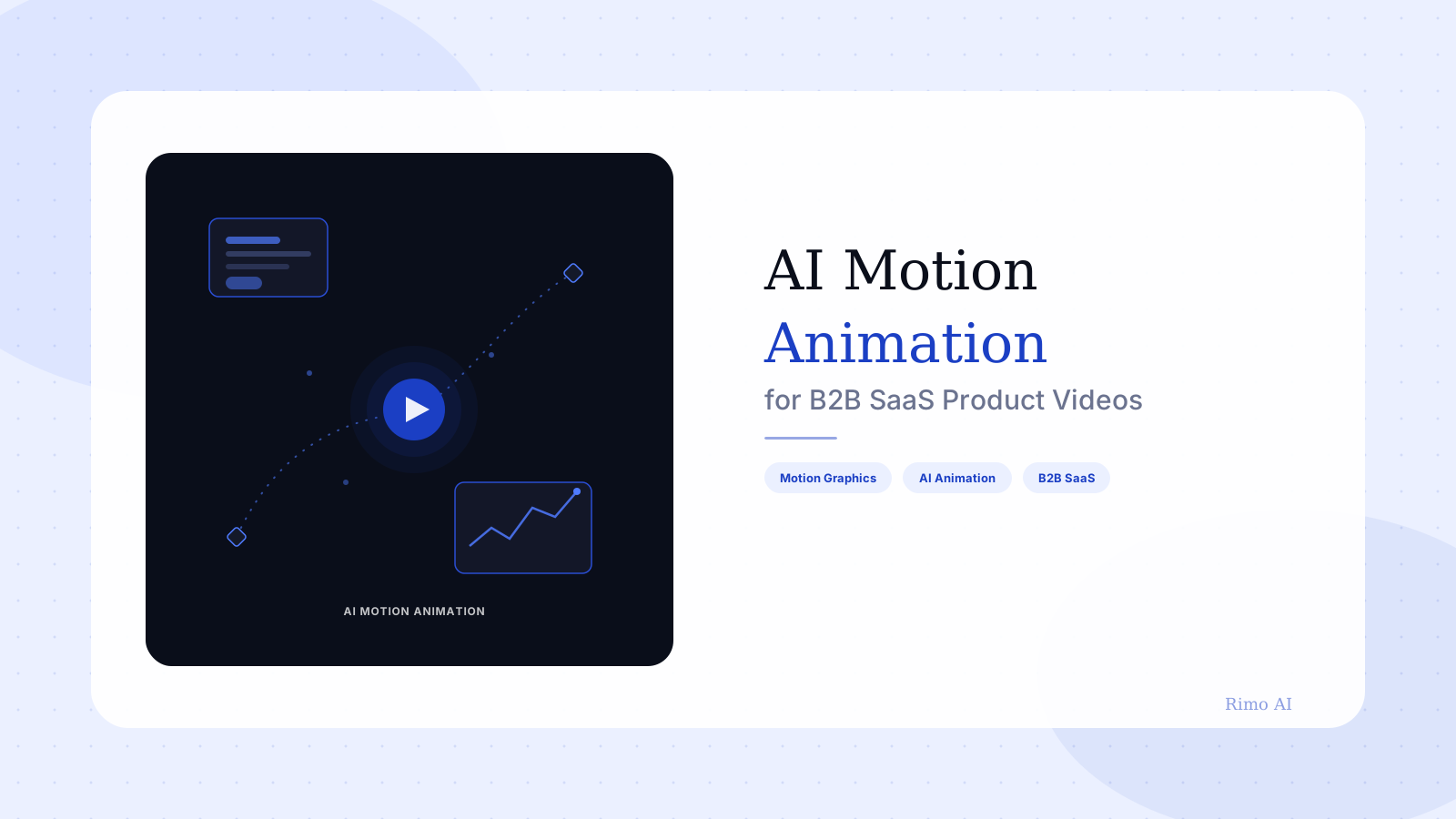
AI motion animation is the use of AI-generated or AI-assisted software to produce motion graphics — animated shapes, icons, UI mockups, text, and illustrations — without an animator manually keyframing every element by hand. Instead of hand-drawn or manually rigged animation, you provide a script, a brief, or a set of product screens, and the software generates the transitions, timing, and movement.
It sits inside a category people often lump together with AI video generation, AI avatar tools, and screen recording. AI motion animation is narrower than all three. It's specifically about graphic elements in motion — a dashboard panel sliding into frame, a chart drawing itself, an icon morphing into another — rather than live-action footage, a talking avatar, or a captured recording of a real screen.
For B2B SaaS marketing, this distinction matters because plenty of product moments don't have compelling screens to record yet. A feature still in beta. A workflow that only makes sense as a diagram. A pricing change that needs explaining, not clicking through. That's exactly the terrain motion animation was built for, and it's why the category has stayed relevant even as screen-recording tools got faster and AI avatars got more realistic.
How AI Motion Animation Actually Works
Under the hood, most AI motion animation tools follow a similar pipeline, even though the interfaces look different from one vendor to the next.
You start with a script or outline — some tools will generate one from a short prompt. The tool matches your text to a library of animated scenes, characters, or UI components, and increasingly, newer models generate original scene compositions rather than pulling from a fixed template library. Voiceover, either AI-generated or uploaded, gets timed against the visual beats, and the system renders a finished MP4.
The AI animation design pipeline, step by step
- Script or brief — a written outline of what the video needs to say, broken into scenes.
- Scene generation — the tool assembles or generates visuals for each scene: characters, icons, product mockups, data visualizations.
- Timing and motion — transitions, camera moves, and element animation get applied automatically based on scene length and pacing rules.
- Voice and sound — AI or recorded voiceover gets synced to the visual timeline, along with music and sound effects.
- Render and export — the finished video renders, typically as MP4, ready for a landing page, ad, or sales deck.
The step that separates a genuinely useful tool from a frustrating one is scene generation. Template-based tools give you a library to assemble from — fast, but generic. Newer AI-native tools attempt to generate original compositions from your brief, which is more flexible but less predictable, and quality varies enormously between vendors.
Here's the part most reviews skip: the tools that generate the most "wow" in a demo are often the hardest to keep on-brand at scale. The same generative unpredictability that makes a single video impressive can make your fifteenth video look like it was made by a different company, because nothing in the pipeline is enforcing a consistent visual system between renders.
AI Motion Animation vs. Traditional Motion Graphics vs. Screen Recording
These three approaches solve overlapping but distinct problems, and mixing them up is the fastest way to pick the wrong tool for the job.
| AI Motion Animation | Traditional Motion Graphics | Screen Recording | |
|---|---|---|---|
| Who builds it | Software, from a brief or script | A trained animator or motion designer | Anyone with the product open |
| Typical turnaround | Hours | 1–3 weeks per video | Same day |
| Shows real product UI | Rarely — usually illustrated or abstracted | Sometimes, if the UI is hand-recreated | Always |
| Best for | Pre-launch features, abstract concepts, brand-forward content | Flagship brand films, investor content | Actual product walkthroughs and demos |
| Typical cost | $20–$300/month subscription | $2,000–$15,000 per finished video | Free–$20/month |
AI animated explainer video vs. AI motion animation: same thing?
Mostly, yes — an AI animated explainer video is the output; AI motion animation is the technique used to produce it. The distinction matters practically, because an explainer video can also be built with a talking-head avatar or a screen recording layered with graphics. Not every AI explainer video is motion-animated, and not every motion-animation output is structured as a full explainer — some are ten-second social loops or single-scene ads.
The format most B2B SaaS teams actually need for a product demo video is a hybrid: real product screens for credibility, motion graphics for the parts that can't be screen-recorded, like integrations, architecture, or results. Pure AI motion animation tools are weak at the first half of that equation. None of the major players ingest and animate your actual UI — they abstract it into a generic mockup, and for a demo where "this is really our product" needs to land with a skeptical buyer, that's a real limitation, not a minor one.
The Best AI Motion Animation Tools for B2B SaaS Teams
We looked at G2 reviews for the three tools B2B marketing and L&D teams shortlist most often for AI-assisted motion animation — not what the marketing pages promise, but what reviewers say after using the tool on a real project, past the first free render.
Vyond
Vyond is the closest thing to an industry standard for AI-assisted animated explainer content, with a large library of characters, scenes, and props aimed at corporate training and marketing video.
The pricing model draws the most consistent criticism. Reviewers describe the cost-per-export structure as hard to justify for small teams who are iterating on drafts and need multiple renders before a video is final (G2). A more specific complaint shows up around the publishing flow: instead of an instant download, some users report waiting on an email notification and re-triggering publish, which is a frustrating extra step for a tool built around speed (G2). Reviewers also note the character and scene library, while large, still feels limiting once you need something outside its default visual style (G2).
Best for: Structured training and internal enablement content where Vyond's template library already fits. Watch out for: Iteration-heavy projects, where per-export pricing punishes the normal revision cycle.
Animaker
Animaker positions itself as an accessible, lower-cost alternative with a broad template and character set, and it's a common pick for teams without a dedicated design budget.
The most frequent G2 complaint is performance — reviewers describe lag and freezing during editing, particularly on longer or more complex projects, to the point where the app becomes difficult to work in (G2). A second recurring issue is the layers interface: when objects overlap, reviewers say it's often nearly impossible to select the one you actually want (G2). Pricing also draws complaints from teams outside the US, and from smaller organizations who find the free plan's two-minute cap and watermark too restrictive to use for anything beyond a test (G2).
Best for: Quick, low-stakes animated content where budget matters more than polish. Watch out for: Complex, multi-layer scenes — the editing interface wasn't built to handle them gracefully.
Powtoon
Powtoon is one of the longest-running names in AI-assisted animated video, with a heavy focus on business and marketing explainer content.
Reviewers report rendering and asset upload as noticeably slow, sometimes to the point where the app hangs mid-project (G2). Editing depth is a common complaint too — customization, audio editing, and collaboration tools are described as limited compared to dedicated editors (G2). The sharpest criticism is aimed at Powtoon's newer AI generation feature specifically, where reviewers describe scene-to-scene motion as inconsistent and disconnected from the actual narrative of the script (G2).
The AI-generated version got the words right, but the motion felt random from scene to scene — like it didn't understand what was actually important to emphasize. We ended up hand-adjusting most of it anyway.
Best for: Teams that already know Powtoon's template library and want predictable, manually-assembled output. Watch out for: The AI auto-generation feature for anything that needs to land a specific narrative beat.
The pattern across all three tools is consistent: pricing structured around exports or renders, which punishes iteration — the thing you do most when a script isn't final yet. None of them were built primarily around your product's actual UI. They're built for generic corporate and training content that happens to also work for SaaS marketing, not the other way around.
What AI Motion Animation Costs vs. Hiring an Animator or Agency
A freelance motion designer typically bills $75–$150 per hour, and a polished 60–90 second animated explainer runs $2,000–$6,000 once you account for scripting, storyboarding, and revision rounds. A full agency production — the kind with a dedicated creative director and multiple animators — pushes that to $5,000–$20,000 for the same length, and a three-to-five-week turnaround is normal, not an exception.
AI motion animation tools compress that to a $20–$300 monthly subscription and a render time measured in hours, which is the entire appeal. The catch is the one G2 reviewers keep flagging: if pricing is structured per export, the "cheap" AI tool can approach agency-level cost once you factor in the revisions every real project needs. Budgeting for a subscription tier that includes unlimited or high-volume exports, not just the entry-level plan, is worth doing before you commit a launch timeline to it.
Is there a free AI motion graphics generator?
Free tiers exist across Vyond, Animaker, and Powtoon, but all three cap length, watermark the output, or both. They're genuinely useful for testing whether a tool's visual style fits your brand before you commit budget. They're not viable for shipping a polished, branded video to prospects or customers — the free tier's real cost is time, not dollars, since you'll rebuild the video once you upgrade to remove the watermark.
Skip the re-animation cycle
Rimo turns a product brief and your current screens into a polished demo video with motion, voiceover, and pacing built in — regenerate in minutes when the UI changes, no animator required.
The Real Problem: Keeping Animated Product Videos in Sync With Your UI
None of the vendor pages, and none of the tool roundups ranking these products, talk about month six. That's when your product ships a redesign, and the abstracted mockup in your animated explainer no longer resembles anything a prospect will actually see once they start a trial.
This isn't a hypothetical. Your onboarding flow changed last sprint. Your pricing page got a redesign two releases ago. The dashboard screenshot baked into your homepage animation is quietly, slowly becoming a liability — not because anyone forgot about it, but because re-animating hand-built scenes is close to a full rebuild, and nobody schedules time for that until a prospect points it out on a call.
The real cost of an animated demo isn't the first render. It's the fortieth one, made six months later, updated by someone who wasn't in the room when the original brief was written.
Traditional motion graphics agencies charge close to full price for a "refresh," because re-animating hand-built scenes takes nearly as much work as the original did. Template-based AI tools are faster to update, but someone still has to manually adjust individual scenes — the AI generated the first version, but there's no button that says "regenerate this to match my new UI." That gap is also why teams that rely purely on hand-recorded footage eventually invest in a clean clean demo screen recording environment, so at least the re-recording step is faster the second time around.
This is where AI motion animation runs into a hard limit for product marketing specifically: it was built to animate abstract concepts, not to track a living product. Tools built around your actual product screens and a structured brief — Rimo among them — solve a narrower, more specific problem. They generate a demo video from your current UI and a script, so when the UI changes, you regenerate from new screenshots instead of re-animating scenes by hand, which is the same automate demo video creation shift a growing number of B2B SaaS teams are making for their whole video library, not just their launch content.
How to Get Started With AI Motion Animation
- Start with the moments that don't have a screen to record — pre-launch features, architecture diagrams, integration maps, and results or ROI storytelling are the strongest fits for motion animation.
- Write the script before you touch a tool — tools with generative scene composition only work as well as the brief you give them; a vague prompt produces generic motion.
- Decide if you need abstracted or product-accurate visuals — if the video has to prove "here's our real UI," a motion animation tool alone won't get you there; pair it with actual product screens.
- Budget for iteration, not just the first render — check the pricing model before you commit a launch timeline to it, since per-export pricing punishes the normal revision cycle.
- Plan the update cadence up front — decide who owns re-rendering this video when the product changes, before you publish it, not after a prospect flags an outdated screen on a call.
A video animator is still the right call for flagship brand films and investor content where craft matters more than speed. For everything else on a SaaS marketing team's actual roadmap — launch videos, feature explainers, sales enablement clips — the honest answer in 2026 is a mix: AI motion animation for the concepts you can't screen-record, and a product-accurate video generator for everything that needs to show the real thing.
Conclusion
AI motion animation earns its place in a B2B SaaS content stack for exactly one job: making abstract, pre-launch, or hard-to-record concepts look polished fast, without a three-week animator queue. It is not, on its own, a substitute for showing your actual product, and the tool you pick should match which of those two jobs you're actually hiring for.
If most of what you need to communicate is real product behavior — a walkthrough, an onboarding flow, a feature in action — start with a platform built around your actual UI rather than an abstracted mockup, so what a prospect sees in the video matches exactly what they see in a trial. That's the gap Rimo is built to close: motion, voiceover, and pacing generated from your real screens and a brief, regenerated in minutes when your product changes instead of re-animated by hand.
FAQ
What is AI motion animation? AI motion animation is software-generated motion graphics — animated icons, shapes, UI mockups, text, and illustrations — produced from a script or brief without an animator manually keyframing each element. It's used most often for explainer videos, launch content, and marketing material where the visuals are conceptual rather than a recording of a real screen.
How is AI motion animation different from AI video generation? AI video generation is a broader category that includes talking-head avatars, text-to-video from stock or generated footage, and screen recording tools. AI motion animation is a specific subset focused on animated graphic elements rather than live-action or captured footage.
Can AI motion animation replace a video animator? For templated, fast-turnaround content, yes, in most cases. For flagship brand films, highly custom visual styles, or content where craft and originality carry commercial weight, a trained animation professional still outperforms current AI tools on quality and consistency.
What is the best AI motion animation tool for B2B SaaS? Vyond, Animaker, and Powtoon are the three most commonly shortlisted tools, and each fits a different budget and use case. None of them animate your actual product UI, so teams that need to show real software alongside motion graphics typically pair one of these tools with a product-accurate demo video generator.
How much does AI motion animation cost? AI motion animation tools typically run $20–$300 per month depending on export volume and features, compared to $2,000–$20,000 for a freelance animator or agency production of similar length. Per-export pricing on some AI tools can erode that savings once you account for revisions.
Is there a free AI motion animation tool? Vyond, Animaker, and Powtoon all offer free tiers, but each caps video length, adds a watermark, or both. They're useful for testing visual fit before committing budget, but not for shipping polished, branded content to prospects or customers.
Akshay Sharma
Product Leader · 10+ years in B2B SaaS
Akshay has spent 10+ years building and marketing B2B SaaS products. He writes about product storytelling, demo production, and the operational side of product marketing.